.png)
7 Mistakes You're Making with 1099s (and How to Fix Them Before the IRS Notices)
Tax season is here, and if you're a business owner dealing with 1099 forms, you know the drill. You've hired contractors, paid vendors, and now it's time to report all those payments to the IRS. Simple enough, right?
Well... not always.
Here's the thing: 1099 mistakes are incredibly common, and they can trigger IRS penalties faster than you can say "backup withholding notice." The good news? Most of these errors are totally fixable, if you catch them in time.
Let's walk through the seven most common 1099 mistakes I see business owners make every single year, and more importantly, how to fix them before the IRS comes knocking.
Mistake #1: Name and Tax ID Number Don't Match
This is the big one, and honestly, the most common mistake on 1099 forms. When the name you enter doesn't match the Tax Identification Number (TIN) on file with the IRS, their system flags it immediately. And when that happens, you're looking at penalty fines that can add up fast.
Maybe your contractor got married and changed their last name. Maybe they gave you their personal name but their business is registered under an LLC. Or maybe (let's be honest) there was just a typo when you were entering data at 11 PM the night before the deadline.
How to fix it: This requires what's called a Type 2 correction. Here's what you need to do:
File a corrected form with the "CORRECTED" box checked, using the same incorrect information you originally filed, but enter all payment amounts as zeros. This essentially cancels out the bad filing.
Then file a brand new Form 1099 with the correct name and TIN as an original filing (not marked as corrected).
Yeah, it's a bit of a process. But it's way better than dealing with IRS penalties.

Mistake #2: Wrong Payment Amount
Let's say you paid a contractor $8,500 last year, but you accidentally typed $8,050 on the 1099. Or maybe you double-counted a payment and reported $12,000 when it should've been $10,000.
Wrong payment amounts trigger red flags because now the numbers on your books don't match what the contractor reports on their tax return. The IRS computers are pretty good at catching these mismatches, and nobody wants that phone call.
How to fix it: This one's a Type 1 correction, which is actually the easiest fix:
File the correct form with the right amount and check the "CORRECTED" box.
Send the corrected form to your contractor.
If you're paper filing, prepare a red Copy A to send to the IRS with Form 1096.
This correction basically overwrites what you originally filed under that person's name and TIN.
Mistake #3: Using the Wrong Form Type
Did you know there are different types of 1099 forms? The most common mix-up is between Form 1099-MISC and Form 1099-NEC.
Here's the quick breakdown: Form 1099-NEC is for nonemployee compensation, basically, payments to independent contractors for services. Form 1099-MISC is for miscellaneous payments like rent, prizes, medical payments, and attorney fees.
If you accidentally use 1099-MISC for contractor payments that should be on 1099-NEC, you've got a problem. The IRS processes these differently, and your contractor won't be able to properly report their income.
How to fix it: Treat this as a Type 2 error (same process as the name/TIN mismatch):
Zero out the incorrect form by filing a corrected version with all amounts as zeros.
File the correct form type as a new, original filing.

Mistake #4: Missing or Incorrect Tax ID Numbers
Even one little typo in a Social Security Number or Employer Identification Number can cause massive headaches. A single wrong digit triggers an IRS "Backup Withholding Notice," which means you might have to withhold 24% of future payments to that contractor until the issue is resolved.
Nobody wants that conversation with a contractor: "Hey, remember that typo I made? Now I have to withhold a quarter of your next payment..."
How to fix it: Use the Type 2 correction process:
File a corrected form showing the incorrect TIN with all amounts as zeros.
File a new form with the correct TIN as an original filing.
Pro tip: Always request a W-9 form from contractors before you start working with them. Have them fill it out themselves, don't just take their word for their TIN over the phone. This simple step prevents so many problems down the road.
Mistake #5: Formatting and Legibility Errors
This might sound picky, but the IRS has strict formatting requirements for a reason. Their scanning machines need to be able to read your forms accurately, and certain formatting errors can cause your entire filing to be rejected.
Common formatting mistakes include:
Using dollar signs, commas, or asterisks in money amount boxes (just use numbers and decimals)
Adding apostrophes or special characters in payee names
Printing forms at the wrong size (they need to be exactly 8" × 11")
Stapling or taping forms together
Writing in pen instead of dark ink or typing
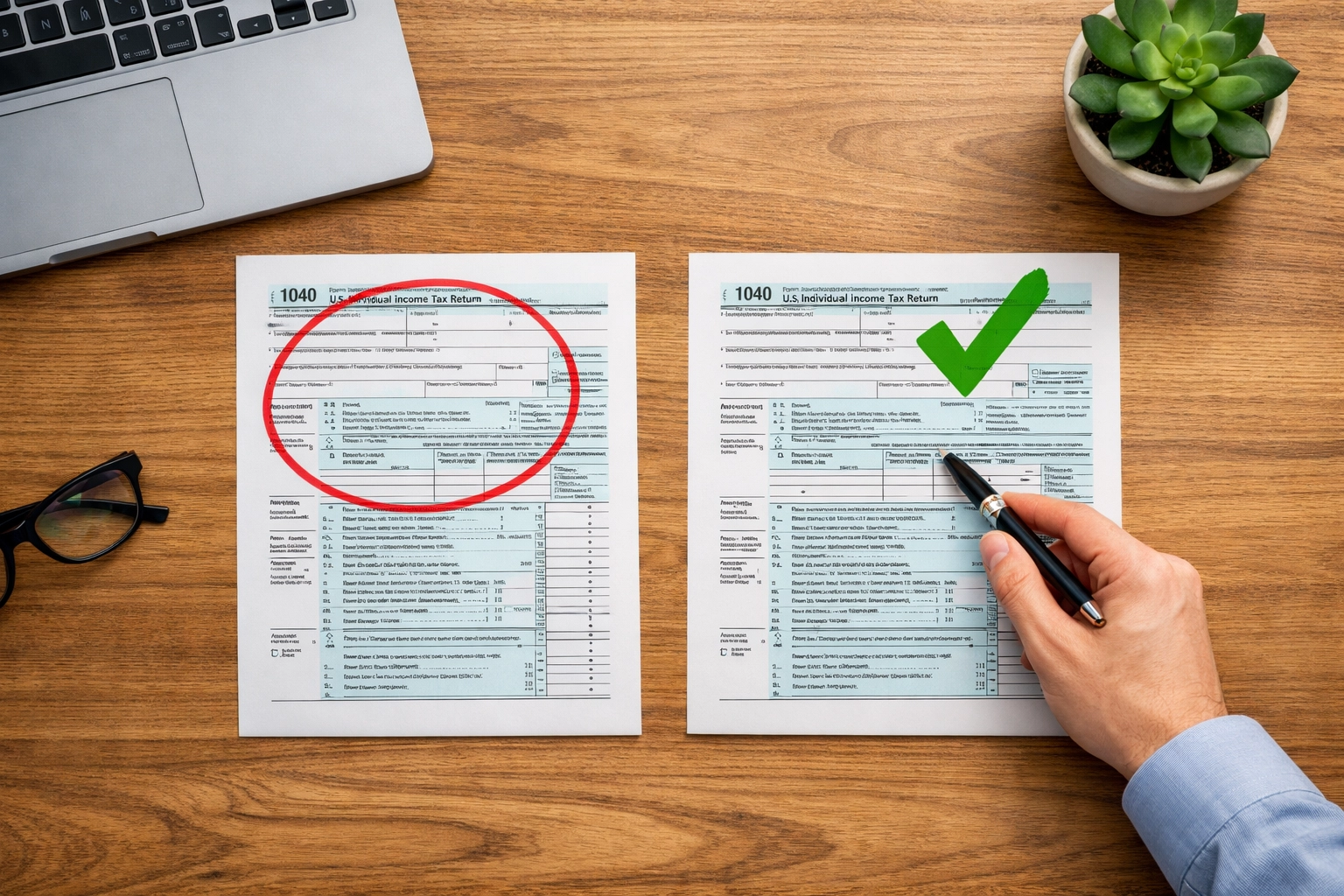
How to fix it: Prevention is key here. If you're paper filing, triple-check your formatting before you send anything. And honestly? If you have 10 or more 1099s to file, you're required to file electronically anyway, which takes care of most formatting issues automatically.
If you've already filed with formatting errors and the IRS rejects your forms, you'll need to file corrected versions following all the proper formatting guidelines.
Mistake #6: Wrong Payer Information
This is different from getting the payee (contractor) information wrong. If you mess up your own company's name or Employer Identification Number on the forms, it creates a different kind of problem. The IRS can't properly credit the filing to your business.
Maybe your business name changed during the year, or you used a DBA instead of your legal business name. Or perhaps you just transposed numbers in your own EIN. It happens.
How to fix it: This is a Type 3 error, which requires a different approach. You need to write a letter to the IRS that includes:
Your payer name and address
A description of the error (including what incorrect info you reported)
The tax year
Your payer TIN
The transmitter control code (if you eFiled)
Type of return
Number of payees
Filing method (paper or electronic)
Mail this letter to the IRS at the address listed in the 1099 instructions for your state. Yes, an actual letter. Welcome to government bureaucracy!
Mistake #7: Missing the Deadline (or Filing Late)
Let me be blunt: missing the 1099 deadline is expensive. The penalties escalate based on how late you are, and they add up fast.
For 2026, here's what you're looking at:
File within 30 days late: $60 per form
File 31+ days late but by August 1: $120 per form
File after August 1 or don't file at all: $310 per form
Intentional disregard: $660 per form (and yes, they can tell when you're just ignoring it)
If you have 50 contractors and you're a month late, that's a $3,000 penalty. Ouch.
How to fix it: File on time. I know, revolutionary advice. But seriously, mark your calendar, set multiple reminders, and don't wait until the last minute.
Remember: If you have 10 or more information returns, you must file electronically. Paper filing isn't even an option.
Before You Hit Submit...
Before you file any 1099 forms, take a few minutes to double-check everything:
✓ Names match exactly with Social Security cards or business records ✓ TINs are correct (use those W-9 forms!) ✓ Payment amounts match your bookkeeping records ✓ You're using the correct form type ✓ All formatting requirements are met ✓ You're meeting filing deadlines
These simple checks can save you hundreds, or even thousands, in penalty fees and hours of correcting mistakes later.
And hey, if you're feeling overwhelmed by all this, that's totally normal. 1099 filing has a lot of moving parts, and mistakes happen to the best of us. If you need help sorting through your 1099s or cleaning up errors before the IRS notices, reach out to us. We've seen it all, fixed it all, and we're here to help you get it right.
Because honestly? The only thing worse than filing 1099s is filing them twice.
Comments