.png)
Are You Ready for Automation? A Beginner’s Guide to Automating Your Bookkeeping
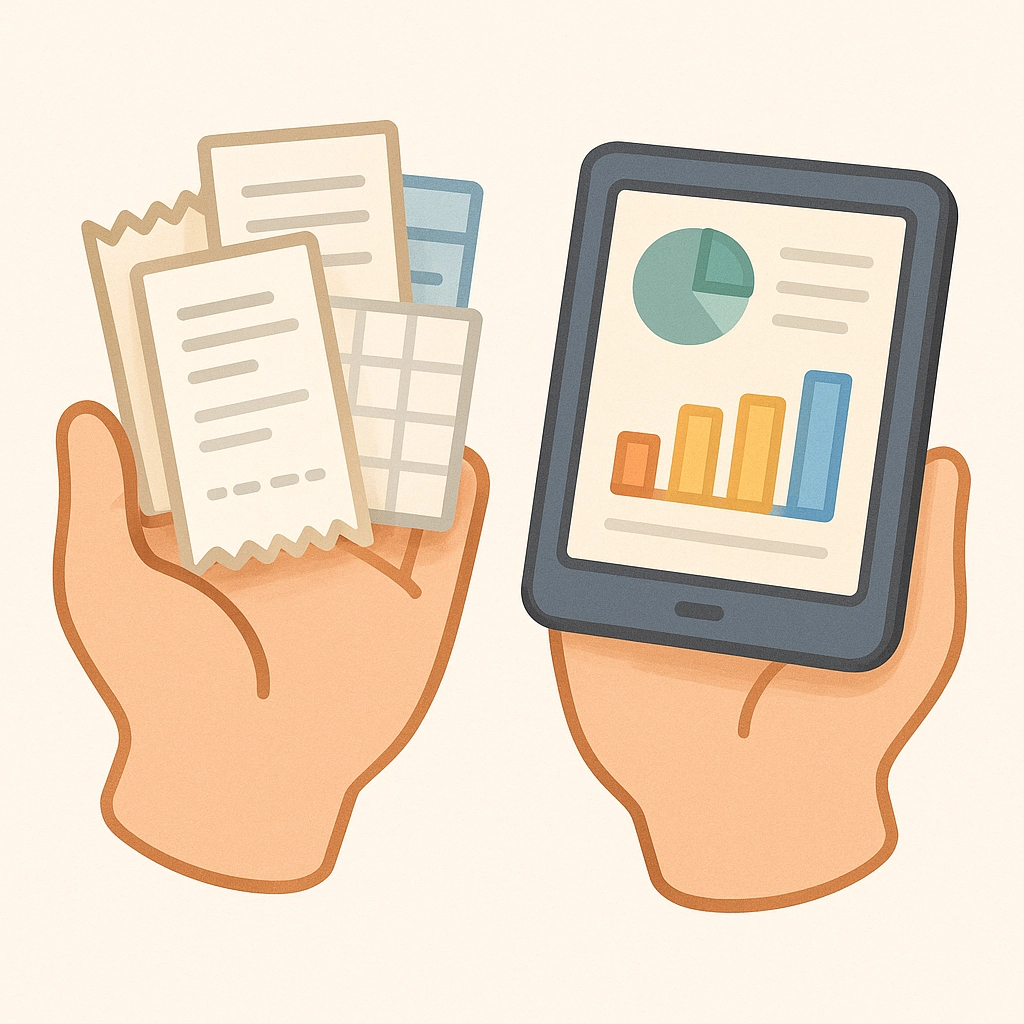
Bookkeeping automation is no longer something only the big players can afford. Cloud tools and smarter accounting software are transforming the way small businesses monitor their finances. But is it the right time for you to make the leap? If you’re a small business owner tired of spreadsheets, receipts in shoeboxes, and late nights reconciling your books, this guide is for you.
Are You Ready to Automate Your Bookkeeping?
Before you leap into automation, take a beat and ask yourself:
Do you spend more time entering data than understanding your finances?
Have errors or missing transactions caused issues with vendors, customers, or your tax filings?
Do you struggle to pull together reports when you need them?
Is your business growing in size or complexity?
Are you relying on disconnected systems (spreadsheets, manual invoices, sticky notes) to keep track of your money?
If you nodded “yes” to even a couple of these, you’re on the right track to benefit from bookkeeping automation.

Why Automate Bookkeeping? (The Benefits)
Save Time: Manual data entry can eat up hours every week. Automation tools import transactions, match receipts to expenses, and flag unusual activity instantly.
Reduce Errors: Humans make mistakes (even accountants sometimes). Automation minimizes risk of typos and double entries.
Real-Time Numbers: Smart software lets you check business health anytime—no more waiting on someone to “close the books.”
Scalable Processes: As your business grows, automation scales with you. No need to hire a whole team or dread month-end.
Easy Compliance: Automation assists with tax tracking, payroll filings, and generating reports for regulatory needs.
Step 1: Audit and Document Your Current System
The first step is shining a light on your current processes. Map out your entire bookkeeping flow, even the stuff that feels “too small to mention.”
Where does each transaction originate?
How often do you enter receipts?
Who checks every step and when?
Where do errors or slowdowns usually happen?
Take it from workflow automation experts: new processes work best when you build them on a solid understanding of where things currently stand. Document each step—it’ll make automation setup way easier.
Step 2: Choose What to Automate First
Don’t automate everything in one go. Instead, start with pain points:
Bank and Credit Card Feeds: Link your accounts so transactions import automatically.
Transaction Categorization: Use rules to tag regular vendors (think: always mark “Office Depot” as office supplies).
Accounts Payable and Receivable: Tools like Bill.com automate invoice creation, sending, and reminders.
Expense Reporting: Apps snap photos of receipts, match them to bank transactions, and plug them into your system.
Pro Tip: Start with functions that happen often and have the highest chance of error or eat up the most time.
Step 3: Build Your Beginner Automation Stack
You don’t need a hundred apps—just the right few. Here are the building blocks for most small businesses:
1. Cloud Accounting Software
Platforms like QuickBooks Online and Xero are friendly to beginners, loaded with automation features, and always improving. With a subscription, you get access to bank feeds, payment processing, invoice automation, and reporting—anywhere, any time.

2. Bank & Card Feed Integration
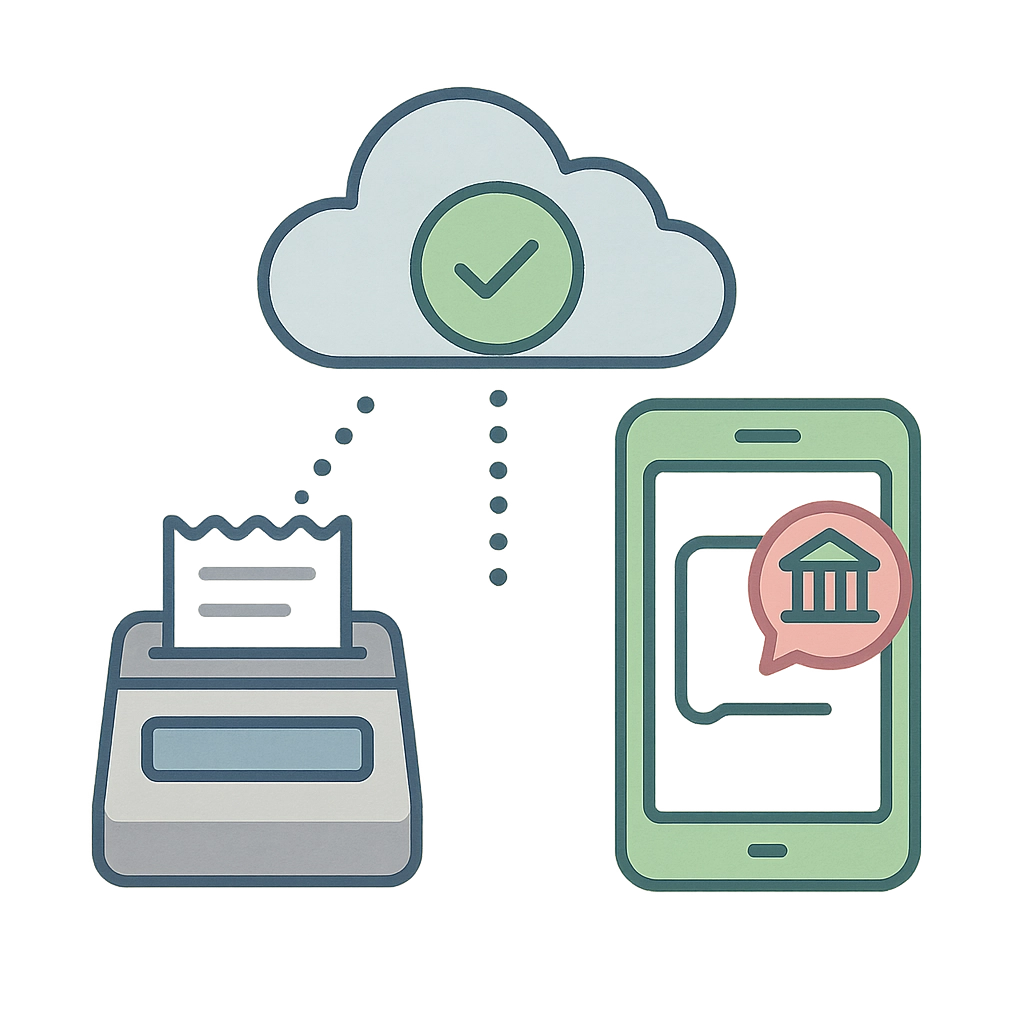
Connect your business bank or card accounts directly to your software. Transactions import daily, often with expense/income suggestions to speed up reconciliation.
3. Document Management
Eliminate paper clutter! Tools like DocuClipper scan or auto-import statements and connect them to your books. No more searching for missing receipts at tax time.
4. Expense Management
Apps like Expensify allow team members to upload expenses and receipts via their phone. Rules auto-categorize and approve regular costs, cutting down on manual reviews.
5. Invoicing and Payments Automation
Set up recurring invoices and automatic payment reminders. Get paid faster and track who owes you what—no spreadsheets required.
Step 4: Set Up, Test, and Refine
Big leap: setting it all up. Most platforms offer user-friendly setup wizards, tutorials, and (if you’re with us at Your Business Accountant) custom support.
Start small. Tackle one workflow at a time.
Run tests. Compare results from the automated process with your manual method for a couple of weeks.
Refine rules. Adjust your categories, payees, and automations as you spot outliers or exceptions.
Step 5: Stay Supervised (Don't Set and Forget)
Automation reduces grunt work—but doesn’t eliminate the need for human judgment. Successful automation depends on regular review:
Schedule weekly or monthly check-ins. Review automatic entries and exception reports.
Reconcile bank statements. Make sure software categorizations make sense and nothing got missed.
Document the process. If your system’s working, write it down so you—or a future teammate—know exactly what’s been automated.
Common Pitfalls (And How to Dodge Them)
Over-automating too soon: Tackle the big pain points first, get comfortable, and layer in more over time.
Skipping setup time: Don’t rush through bank feed or account configurations. Double-check everything before going full-speed.
Forgetting to review: Automation is a tool, not a replacement for business savvy. Schedule those check-ins!
Not documenting changes: Update your playbook as you tweak your automation flows.
Ignoring team buy-in: If your team doesn’t get it, they won’t use it. Train, explain benefits, and answer questions.
Is Full Automation Right For Every Business?
Not always. If you have niche needs (inventory, job costing, industry-specific reporting) or a complex structure (multiple entities, currencies), you might need semi-automation or custom workflows. But for everyday tasks—bank reconciliation, expense tracking, recurring invoices—automation is a game-changer.
If you’ve got a hunch you could be doing things faster, safer, or smarter, you’re ready to explore automation.
What About Security?
Modern cloud tools use robust security practices: encryption, multi-factor authentication, and round-the-clock threat monitoring. Choose reputable platforms (we recommend QuickBooks Online for most small businesses) and follow best practices:
Use unique, strong passwords
Set permissions for your team (not everyone needs access to everything)
Regularly review who has access and remove accounts for former employees
Getting Help and Digging Deeper
Feeling overwhelmed? You’re not alone! Many business owners turn to experts to help automate the right way. At Your Business Accountant, we’ve helped businesses like yours go from chaos-in-shoeboxes to seamless automation with less stress and fewer late nights.
Want to DIY and learn more? Check out our QuickBooks Online Training and Business Courses.
Or need a hand setting things up? See how our Monthly Bookkeeping service lets you offload the setup and maintenance, so you can focus on running your business.
Ready for the next step? Start by picking one workflow to automate this month—you’ll be amazed at how much easier bookkeeping becomes, and you might even start to like your numbers. Automating your books doesn’t just save time; it’s your ticket to running a smarter, more confident business.
Comments