.png)
Cloud Accounting vs. Desktop Software: Which Is Better For Your Small Business in 2025?
Choosing the right accounting software for your small business feels like a big decision: and it is! With technology evolving rapidly, many business owners are wondering whether to stick with traditional desktop software or make the leap to cloud-based solutions.
The short answer? For most small businesses in 2025, cloud accounting software is the clear winner. But let's dig into the details so you can make the best choice for your specific situation.
What Exactly Is Cloud Accounting?
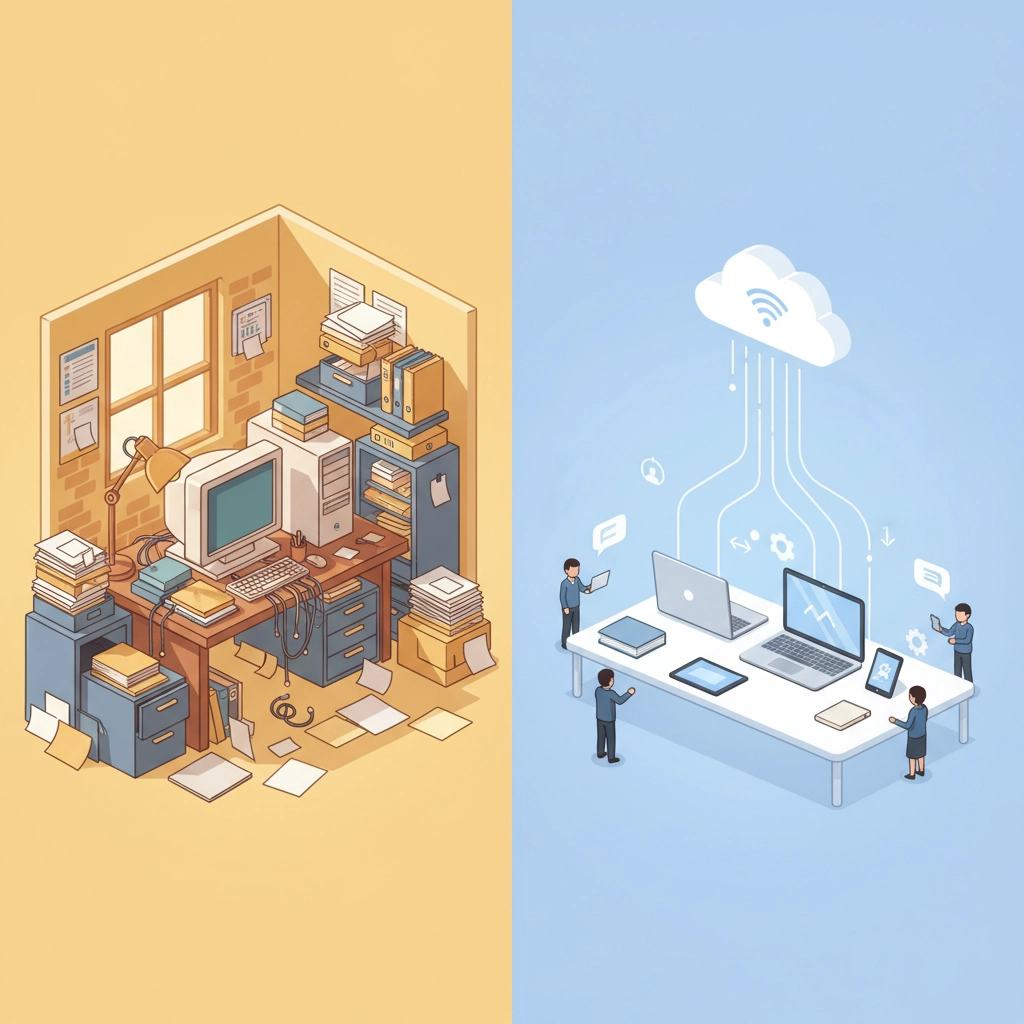
Cloud accounting software lives on the internet instead of your computer's hard drive. Think of it like using Gmail instead of downloading emails to your desktop: you can access your financial information from anywhere with an internet connection.
Popular cloud accounting platforms like QuickBooks Online, Xero, and FreshBooks store your data on secure servers maintained by the software company. You pay a monthly or yearly subscription fee, and in return, you get automatic updates, professional-grade security, and the flexibility to work from anywhere.
Traditional Desktop Accounting: The Old Faithful
Desktop accounting software is the traditional approach: you buy the software once, install it on your computer, and all your financial data stays right there on your hard drive. QuickBooks Desktop is probably the most well-known example.
With desktop software, you're in complete control of your data and don't need an internet connection to access your books. It's like having a filing cabinet in your office versus storing your documents in a safety deposit box at the bank.
The Real-World Comparison: How They Stack Up
Let's break down the key differences that actually matter for your day-to-day business operations.
Accessibility and Flexibility
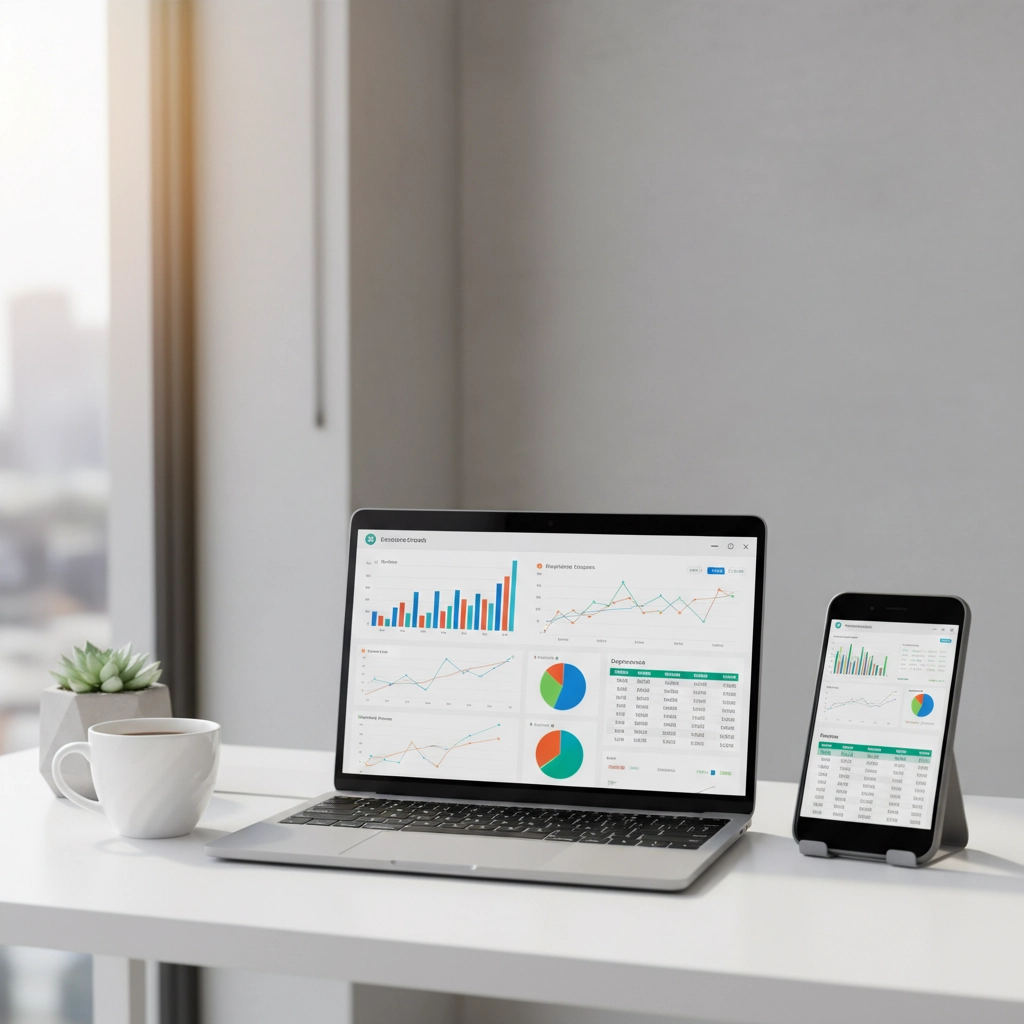
Cloud Accounting: You can check your cash flow while sipping coffee at a café, approve invoices from your phone during your kid's soccer game, or collaborate with your accountant in real-time from different states. This flexibility has become essential in our increasingly mobile business world.
Desktop Accounting: You're tied to the computer where the software is installed. Want to work from home? You'd better hope you set up remote access, which can be complicated and sometimes unreliable.
Cost Structure
Cloud Accounting: Subscription-based pricing typically ranges from $15-50+ per month, depending on features and number of users. While you're paying monthly, you're also getting continuous updates and support included.
Desktop Accounting: Higher upfront cost (usually $200-400+) but no ongoing fees. However, you'll eventually need to purchase upgrades for new features or tax law changes, and you might need additional licenses for multiple users.
Collaboration and Multi-User Access
Cloud Accounting: Multiple people can work in the system simultaneously. Your bookkeeper can enter transactions while you're reviewing reports and your CPA is preparing tax documents: all in real-time. No more emailing files back and forth or wondering who has the most recent version.
Desktop Accounting: Sharing data is clunky. You typically can't have multiple users working simultaneously, and sharing information often involves creating backup files and emailing them around. This creates version control nightmares and slows down your accounting processes.
Updates and Maintenance
Cloud Accounting: Updates happen automatically in the background. New features appear without you having to do anything, and tax law changes are implemented seamlessly. It's like waking up to find your car has been upgraded overnight.
Desktop Accounting: You're responsible for installing updates, which you might forget to do. Missing updates can mean missing out on important tax law changes or security patches. Plus, major version updates often cost extra.
The Security Question Everyone Asks
Many business owners worry about storing their financial data "in the cloud," but here's the reality: reputable cloud accounting providers invest millions in security measures that most small businesses could never afford on their own.
Cloud providers typically offer:
Bank-level encryption
Automatic daily backups
24/7 monitoring
Professional IT security teams
With desktop software, your data security depends entirely on your own IT practices. Are you backing up regularly? Is your computer password-protected? Are you updating your antivirus software? One hard drive crash or stolen laptop could mean losing everything.

When Desktop Software Still Makes Sense
Despite cloud accounting's advantages, desktop software isn't completely obsolete. It might be the right choice if:
You have unreliable internet: If your internet connection is spotty, desktop software ensures you can always access your financial data.
Your accounting needs are very basic: If you're a sole proprietor with simple finances and no need for collaboration, the ongoing subscription costs might not be worth it.
You have strict data control requirements: Some industries or business owners prefer keeping all financial data on-premises for compliance or personal preference reasons.
You want to avoid subscription fees: If cash flow is extremely tight, the one-time cost of desktop software might fit your budget better than ongoing monthly payments.
The 2025 Reality: Why Cloud Usually Wins
Small businesses today face challenges that didn't exist even five years ago. Remote work is common, business owners travel more, and the pace of business has accelerated. Cloud accounting addresses these realities better than desktop solutions.
Consider this scenario: It's Friday evening, and a potential client wants to see your cash flow projections before deciding whether to work with you over the weekend. With cloud accounting, you can pull up those reports from your phone and email them within minutes. With desktop software, you'd need to drive back to the office or hope you have remote access set up properly.

Making the Right Choice for Your Business
Here's a simple framework to help you decide:
Choose Cloud Accounting If:
You work from multiple locations
You have employees or work with outside professionals (bookkeepers, CPAs)
You travel frequently for business
You want automatic updates and backups
You prefer predictable monthly expenses
You value having the latest features and security
Stick with Desktop If:
You have unreliable internet service
You work alone and always from the same location
You have very basic accounting needs
You prefer one-time purchases over subscriptions
You have specific data control requirements
The Bottom Line
For the vast majority of small businesses in 2025, cloud accounting software offers compelling advantages that outweigh the benefits of desktop solutions. The flexibility, collaboration features, automatic updates, and professional-grade security make it the smarter long-term investment.
That said, the "best" accounting software is the one you'll actually use consistently and correctly. If desktop software better fits your specific situation and you'll maintain good backup practices, it can still serve you well.
If you're still unsure about which direction to go, consider trying a cloud accounting solution with a free trial. Most providers offer 30-day trials that let you experience the difference firsthand. You might be surprised at how much easier your financial management becomes when you're not tied to a single computer.
The future of small business accounting is flexible, collaborative, and accessible: qualities that cloud accounting delivers in spades. Your business deserves financial tools that grow with you and support the way you actually work, not the way businesses worked twenty years ago.
Comments