.png)
Cloud Accounting vs Desktop Software: Which Is Better For Your Small Business in 2025?
If you're running a small business in 2025, you've probably wondered whether you should stick with traditional desktop accounting software or make the jump to cloud-based solutions. It's a decision that affects everything from how you access your financial data to your monthly budget: and honestly, the landscape has changed dramatically in the past few years.
Let me break this down for you in plain English, because choosing the wrong accounting software can cost you time, money, and a lot of headaches down the road.
What's the Real Difference?
Desktop accounting software is the old-school approach: you install the program directly on your computer, and all your financial data lives right there on your hard drive. Think of it like having a filing cabinet in your office. Everything's right there, but you can only access it when you're physically at that computer.
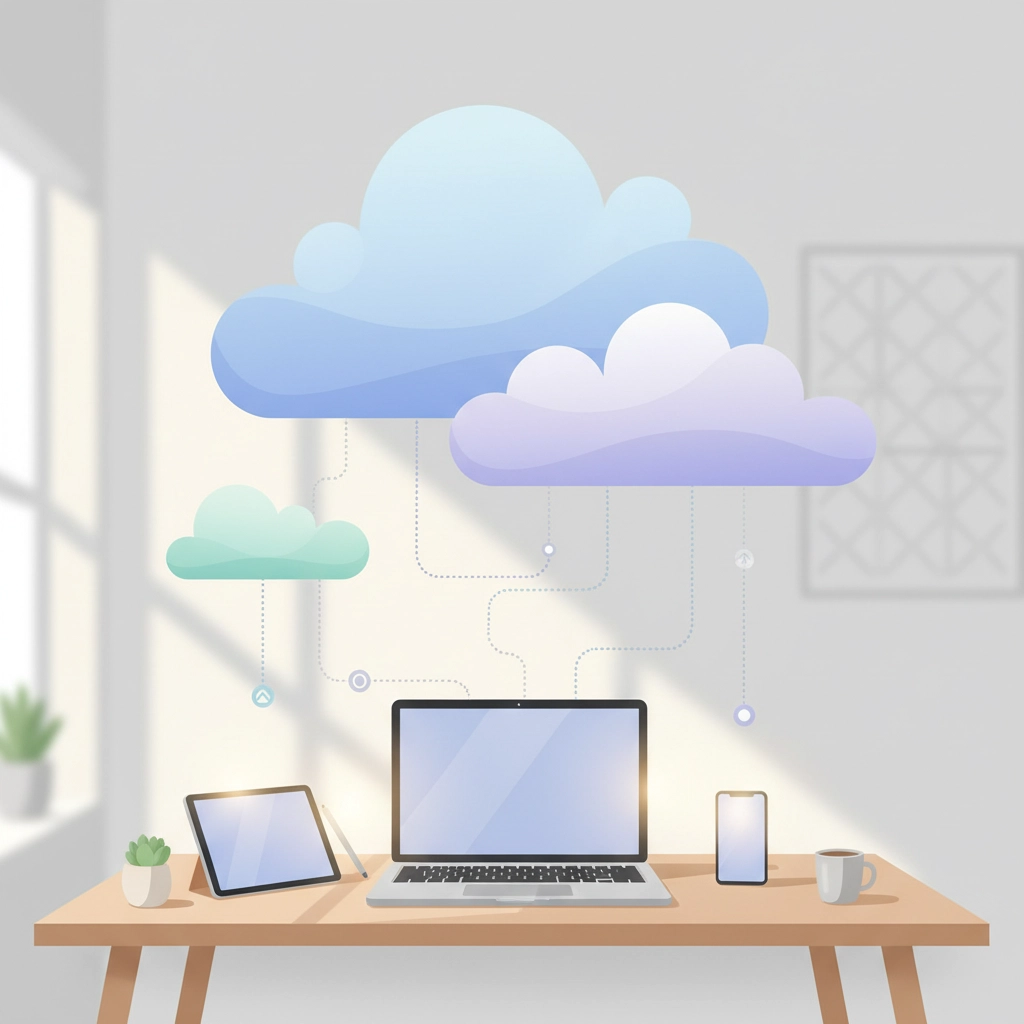
Cloud accounting software flips this completely. Your accounting program and all your data live on secure servers "in the cloud," which means you access everything through your web browser. It's like having your filing cabinet available anywhere you have an internet connection: whether you're at home, in a coffee shop, or on vacation.

The Cloud Accounting Revolution
Here's what I've noticed working with small business owners: cloud accounting has become a game-changer for most of them. The flexibility alone is worth the switch for many businesses.
The Big Wins with Cloud Accounting
Access from anywhere is probably the biggest advantage. Remember when you had to rush back to the office just to check your cash flow or send an invoice? Those days are over. With cloud accounting, you can handle your books from your laptop, tablet, or even your phone. I've had clients approve invoices while sitting in airport lounges: try doing that with desktop software!
Real-time collaboration is another huge benefit. If you work with a bookkeeper, accountant, or business partner, everyone can be in the same system at the same time. No more emailing files back and forth or wondering if you're looking at the most recent version. When your bookkeeper enters a transaction, you see it immediately.
The automatic updates feature is honestly a lifesaver. Your software stays current with the latest features and tax law changes without you having to do anything. No more remembering to install updates or worrying about using outdated software during tax season.
Security and backups happen automatically too. Professional-grade encryption protects your data, and everything backs up regularly without you thinking about it. I can't tell you how many horror stories I've heard about businesses losing years of financial data because their computer crashed and they forgot to back up their desktop software.
The Downsides of Going Cloud
Let's be honest: cloud accounting isn't perfect. Internet dependency is the obvious one. If your internet goes down, you can't access your books. For most businesses, this isn't a deal-breaker since internet outages are pretty rare, but it's something to consider if you're in an area with spotty connectivity.
Monthly subscription costs can add up over time. While you're not paying a big chunk upfront like with desktop software, those monthly fees never stop. For businesses that plan to use the same software for many years without needing updates, desktop software might be cheaper in the long run.
Desktop Software: The Traditional Choice
Desktop accounting software still has its place, especially for certain types of businesses. Let me explain when it might make sense for you.
Why Some Businesses Stick with Desktop
Complete control over your data appeals to many business owners. Everything's stored locally on your computer or network, so you're not relying on a third-party company to keep your information safe. Some industries with strict data requirements actually prefer or require this level of control.
No internet required means you can work on your books anytime, anywhere: as long as you're at your computer. If you're in a remote location or deal with frequent internet issues, this reliability can be crucial.
One-time purchase versus ongoing subscriptions can save money over many years. Buy the software once, and you can use it for as long as it meets your needs. No monthly bills to worry about.
The Reality of Desktop Limitations
Here's where desktop software struggles in today's business world: limited accessibility. You're tied to one computer, which makes remote work or multi-location businesses really challenging. Want to check your financials while traveling? Better hope you brought your laptop with the software installed.
Collaboration becomes complicated. If you work with a bookkeeper or accountant, you'll be constantly emailing backup files back and forth. It's easy to end up with multiple versions floating around, and somebody's always working with outdated information.
Manual updates mean you're responsible for keeping the software current. Miss an update, and you might be using outdated tax tables or missing important security patches. During busy seasons, it's easy to forget about updates until something breaks.
Backup is entirely your responsibility. If your computer crashes and you haven't been backing up regularly, your financial data could be gone forever. I've seen this happen, and it's devastating.

Making the Right Choice for Your Business
Here's how I help my clients decide:
Choose Cloud Accounting If:
You need access to your books from multiple locations
You work with remote team members or outside professionals
You want automatic backups and updates
Your business is growing and you need to add users easily
You prefer predictable monthly costs over large upfront investments
You want integration with other online tools (banking, payment processors, e-commerce platforms)
Most of my small business clients fall into this category. The flexibility and peace of mind are worth the monthly subscription cost.
Stick with Desktop If:
You have unreliable internet connectivity
You prefer one-time purchases over ongoing subscriptions
Your accounting needs are basic and unlikely to change
You have specific data control requirements
You already have desktop software that's working well and don't need new features
The 2025 Reality Check
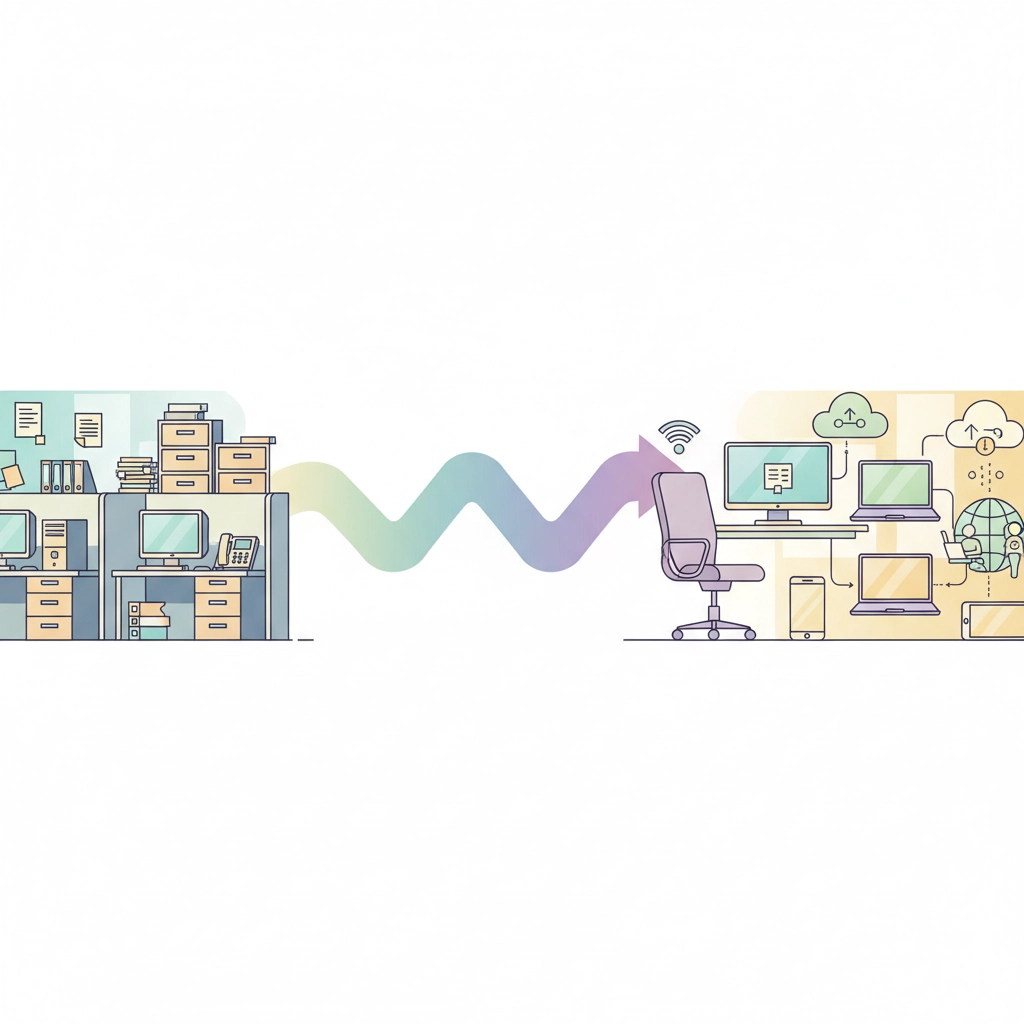
Let me be straight with you: the business world has shifted dramatically toward remote work, mobile access, and collaborative tools. Cloud accounting fits naturally into this environment, while desktop software feels increasingly outdated.
That said, I still have clients successfully using desktop software. The key is being honest about your actual needs versus what you think you should be doing.
If you're running a simple, location-based business with minimal collaboration needs and excellent local IT support, desktop software can still work. But if any part of your operation involves remote work, multiple locations, or working with outside professionals, cloud accounting will make your life significantly easier.
Cost Considerations
The math isn't always straightforward. Cloud accounting typically runs $10-50 per month depending on features and users, while desktop software might cost $100-500 upfront. Over five years, cloud software will likely cost more, but you're getting ongoing updates, support, and features that would require expensive upgrades with desktop software.
Factor in the time savings from automatic backups, easy collaboration, and remote access, and cloud accounting often pays for itself through improved efficiency.
My Professional Recommendation
After helping hundreds of small businesses with their accounting setup, I recommend cloud accounting for about 80% of my clients. The flexibility, security, and collaborative features align with how modern businesses operate.
The remaining 20% have specific circumstances: usually involving data control requirements, excellent local IT support, or very basic accounting needs: that make desktop software a viable choice.
Your business is unique, and the right choice depends on your specific situation. Consider your growth plans, work style, collaboration needs, and technical comfort level when making this decision.
Want help figuring out what's best for your specific situation? I'd be happy to discuss your options and help you set up whichever system makes the most sense for your business. After all, the best accounting software is the one you'll actually use consistently and correctly.
Whether you choose cloud or desktop, the most important thing is getting your financial data organized and accessible. Both options can work: it's just about finding the right fit for how you run your business in 2025.
Comments