.png)
Organizing Your Receipts for Tax Season: Digital vs. Paper (A Bookkeeper's Advice)
Let's be honest: receipt management is nobody's favorite part of running a business. But come tax season, those crumpled pieces of paper (or missing digital files) can be the difference between a smooth filing experience and a stressful scramble through shoeboxes and email folders at midnight.
As someone who's helped countless business owners get their records in order, I've seen it all. And the question I get asked most often? "Should I keep paper receipts or go digital?" The good news is that the IRS accepts both, so you're not locked into one method. The better news? There's actually a clear winner for most situations.
What the IRS Actually Cares About
Before we dive into the digital versus paper debate, let's talk about what really matters to the IRS. They don't care whether your receipt is on thermal paper or stored in the cloud: they care that it's:
Readable and contains all the necessary information (date, amount, vendor, business purpose)
Accessible when they need to see it
Organized well enough that you can produce it quickly during an audit
As long as your receipt system checks those boxes, you're good to go. The question is which method makes YOUR life easier while staying compliant.
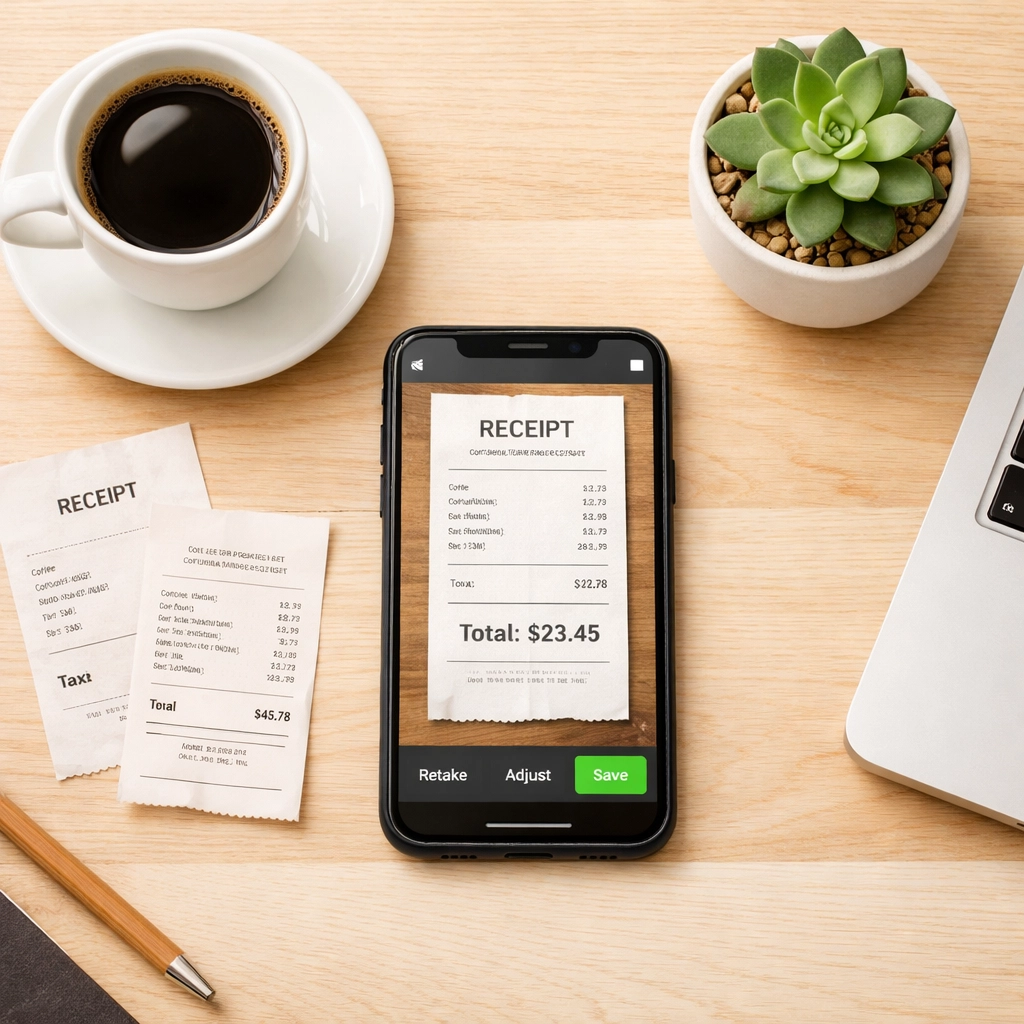
The Case for Going Digital
I'll be upfront with you: I'm Team Digital all the way. Here's why most of my clients who make the switch never look back.
Organization That Actually Works
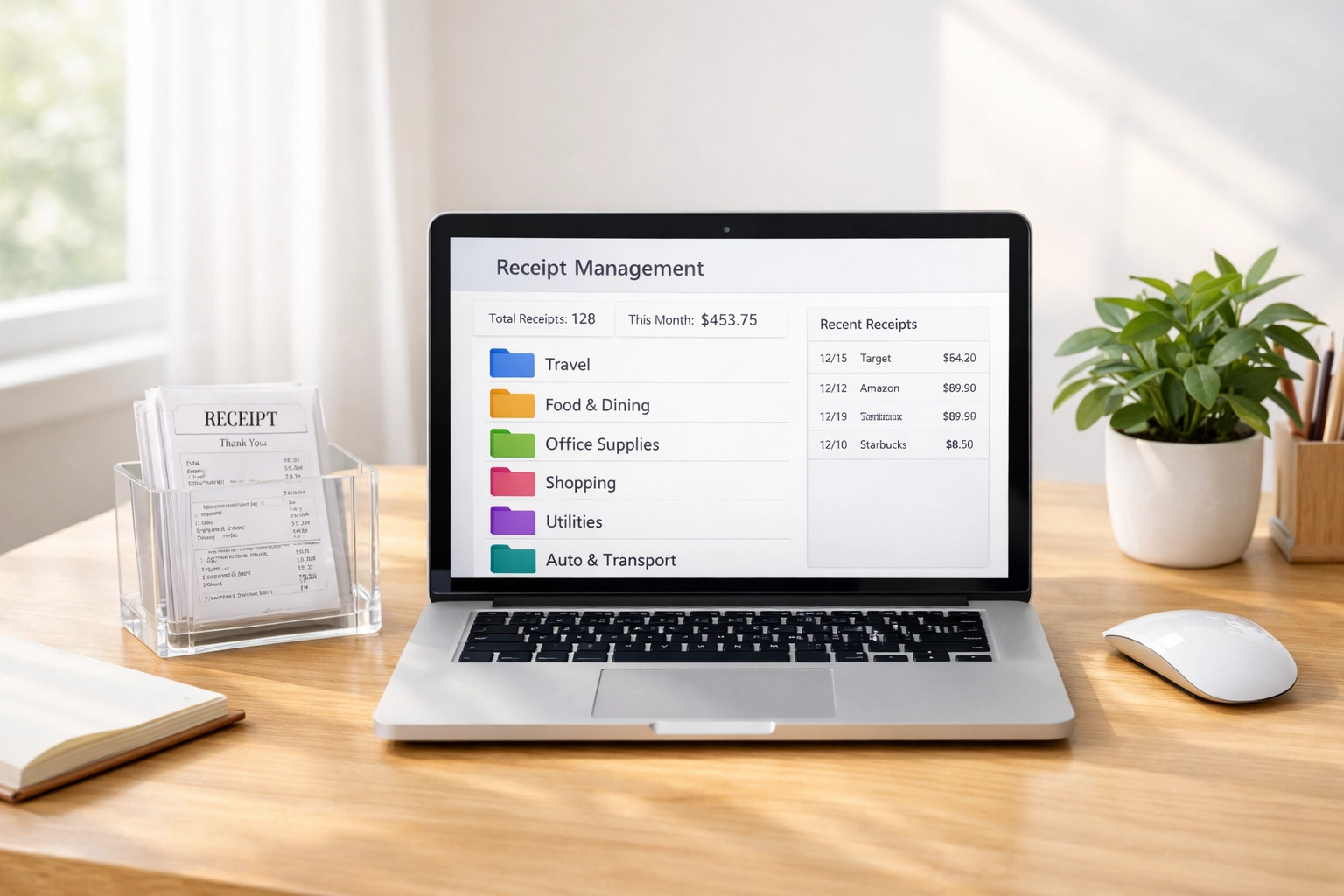
With digital receipts, you can search for what you need in seconds. Looking for that office supply purchase from August? Type "Staples" or "office supplies" into your receipt app and boom: there it is. Try doing that with a filing cabinet full of paper receipts.
You can also tag receipts by category (meals, travel, equipment), by project, or by client. This makes tax prep so much faster because everything's already sorted when you need it.
Receipts That Don't Fade
Ever pulled out a receipt from six months ago and found it's completely blank? Thermal paper receipts fade, and they fade fast. Add water damage or a coffee spill, and you've got proof of nothing.
Digital receipts stay crisp and readable forever (assuming you back them up properly, which we'll get to). No more squinting at faded numbers trying to remember what you bought.
Access From Anywhere
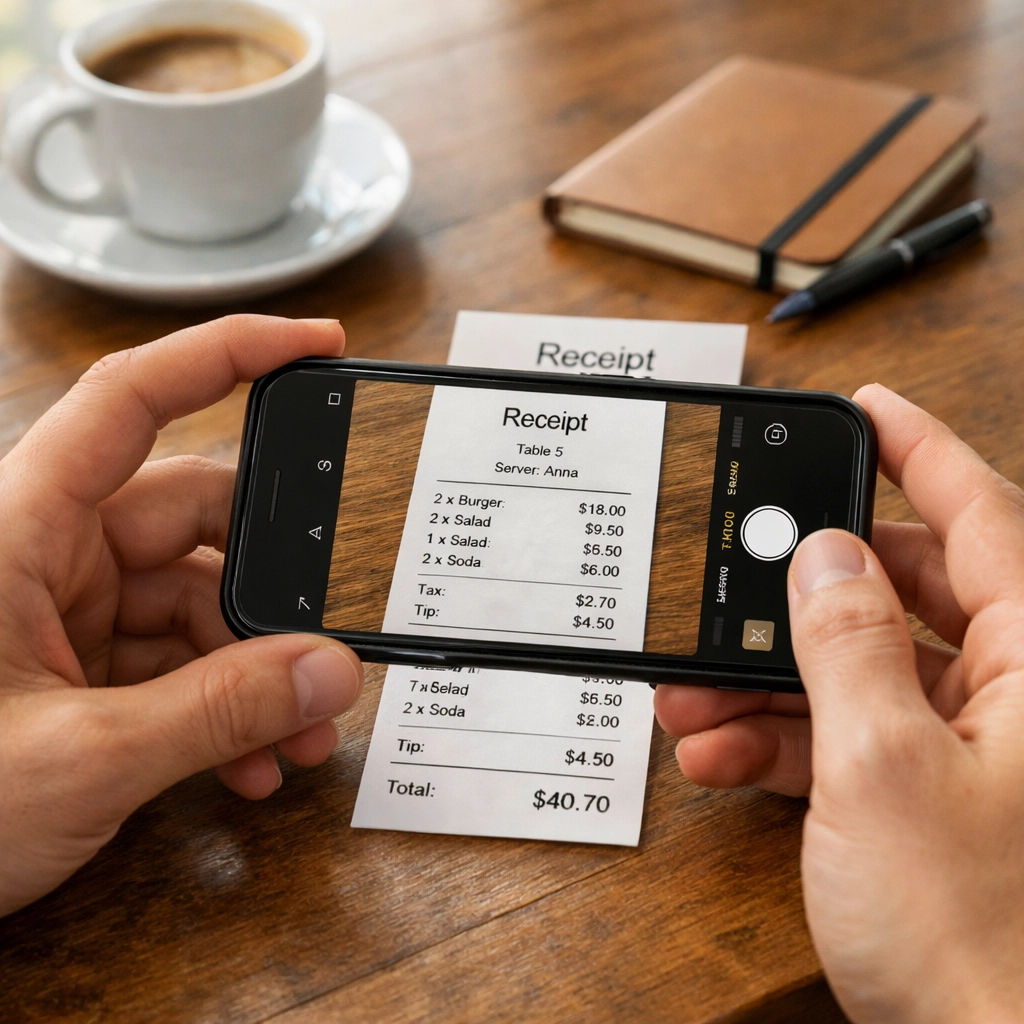
This is huge. When you're traveling or working remotely and need to check on an expense, you can pull up your digital receipts from your phone. No need to be physically near your filing cabinet or that envelope stuffed in your desk drawer.
Cloud-based storage means your receipts are available wherever you are. This also makes working with your bookkeeper or accountant way easier: you can just share access instead of scanning and emailing individual receipts.
Cost-Effective in the Long Run
Sure, there might be a small upfront cost for a receipt scanning app or cloud storage, but compare that to the ongoing costs of printing, physical storage space, and the time you spend manually filing paper receipts. Digital wins on cost over time.
When Paper Makes Sense
Now, I'm not saying paper receipts are completely obsolete. There are still situations where keeping the physical receipt makes sense:
Large purchases: For big-ticket items like equipment or vehicles, keeping both the digital and physical receipt can be smart. If there's ever a warranty issue or return needed, having the original can help.
Certain vendors: Some old-school businesses still only provide paper receipts. Until everyone catches up to the digital age, you'll need a system for these too.
Immediate proof: Sometimes you need to show a receipt right away: like returning an item or proving payment on the spot. In these cases, the paper receipt is handy.
The key with paper receipts? Have a plan for them. Don't just toss them in a drawer and hope for the best.
Setting Up Your Digital Receipt System
Ready to go digital? Here's how to do it right:
Choose Your Tools
Pick a receipt scanning app that works with your workflow. Popular options include Neat, Expensify, Dext, or even your phone's built-in camera with a cloud storage service. The best app is the one you'll actually use consistently.
Look for features like:
Automatic categorization
Integration with QuickBooks or your accounting software
OCR (optical character recognition) to pull data from receipts
Cloud backup
Create a System That Sticks
Here's the system I recommend to clients:
Monthly Maintenance
Block out 30 minutes at the end of each month to review your receipts. Make sure everything's properly categorized, backed up, and matches your bank and credit card statements. This monthly check-in prevents tax season panic.
Managing Paper Receipts (If You Must)
If you're sticking with paper receipts or need to manage them alongside your digital system, here's how to keep them organized:
Use an accordion folder with sections for each month or category. Label everything clearly: your future self will thank you.
Protect fragile receipts by storing them in plastic sleeves or photocopying them before they fade. I've seen too many clients cry over blank receipts during tax time.
Create an annual archive box at year-end. Label it with the tax year and store it somewhere safe. Remember, you need to keep business receipts for at least three years (seven years for certain items).
Consider scanning even paper receipts as a backup. It's the best of both worlds: you have the original AND a digital copy that won't fade.
The Hybrid Approach
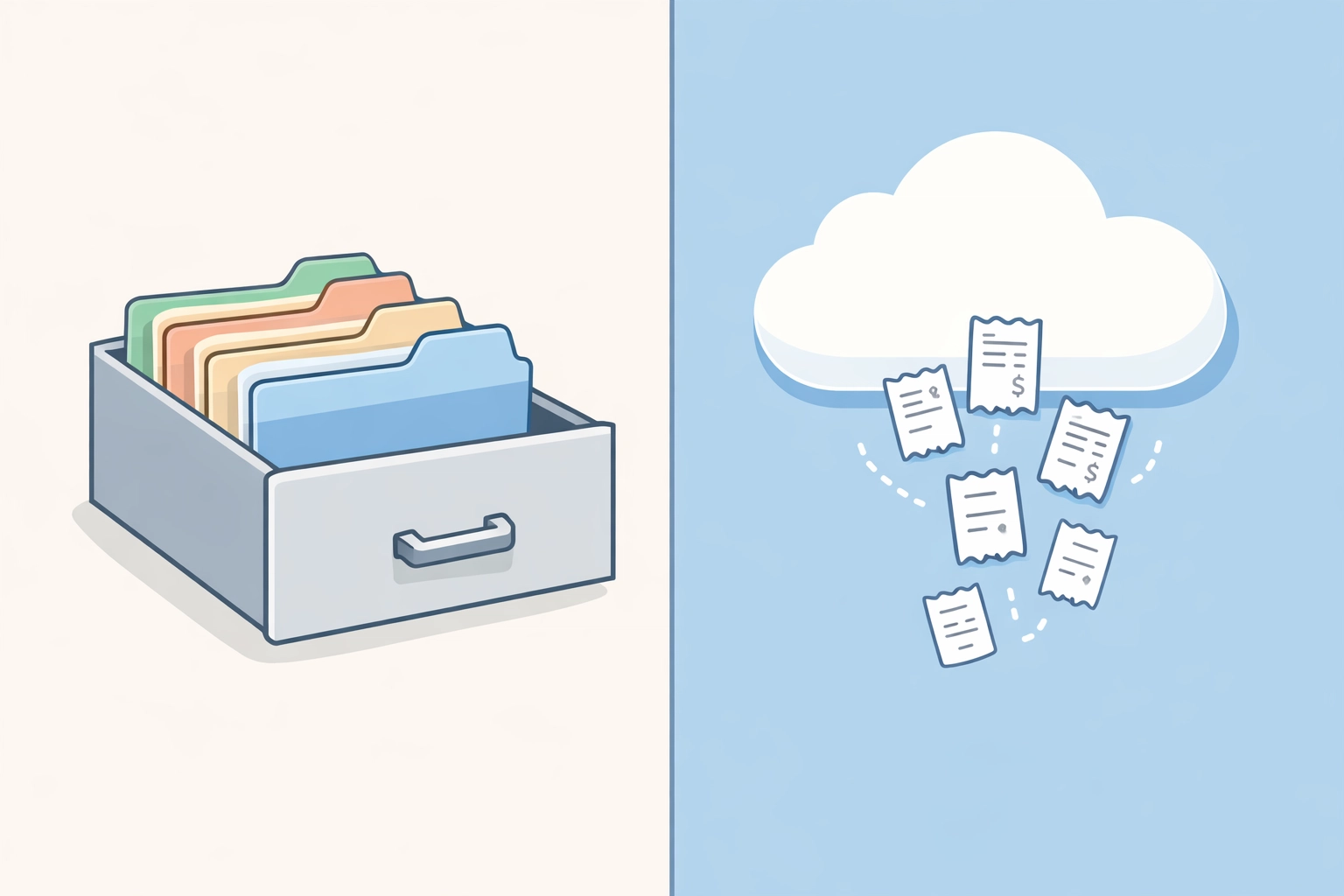
Here's what I actually see working best for most small business owners: a hybrid system that's mostly digital with strategic paper storage.
Go digital for 90% of your receipts: everyday expenses, online purchases, subscriptions, and regular vendor bills. Use your scanning app religiously.
Keep paper receipts temporarily for returns or warranties, then scan and shred them once that window passes. Store the original paper receipts only for major purchases where you might need the physical copy years later.
This approach gives you the searchability and organization of digital with the peace of mind of having physical copies when it truly matters.
Make It a Habit, Not a Hassle
The absolute worst receipt system is the one you don't use. Whether you choose digital, paper, or hybrid, the key is consistency.
Set up your system once, then stick to it. Make scanning or filing receipts part of your weekly routine, not something you dread doing once a year when tax season hits.
And remember: if organizing receipts still feels overwhelming, that's what bookkeepers are for. We love this stuff (seriously). Sometimes the best system is outsourcing it to someone who'll keep you organized year-round.
Need help setting up a receipt system that actually works for your business? Reach out to us: we'll get you sorted before April 15th rolls around.
Comments