.png)
Stop Wasting Time on Last-Minute Tax Prep: Try These 7 Year-End Automation Hacks
Let's be honest, nobody enjoys the frantic scramble of last-minute tax prep. You know the drill: it's mid-March, you're knee-deep in receipts, trying to remember what that $47 charge from six months ago was for, and you're pretty sure you've lost at least three important documents somewhere in your email.
What if I told you there's a better way? These days, technology can handle most of the tedious stuff that used to eat up weeks of your time. I'm talking about real automation that works behind the scenes so you can focus on running your business instead of drowning in paperwork.
Here are seven game-changing automation hacks that'll transform your year-end tax prep from a nightmare into something you might actually get done early (imagine that!).
Hack #1: Let AI Read Your Documents (Seriously, It's Pretty Amazing)
Remember the good old days of manually typing numbers from every W-2, 1099, and tax document into spreadsheets? Yeah, let's leave those days behind.
OCR (Optical Character Recognition) and AI-powered tools can now read your tax documents and automatically extract all the important data. We're talking about software that can scan a pile of 1099s and pull out all the relevant numbers with over 95% accuracy.
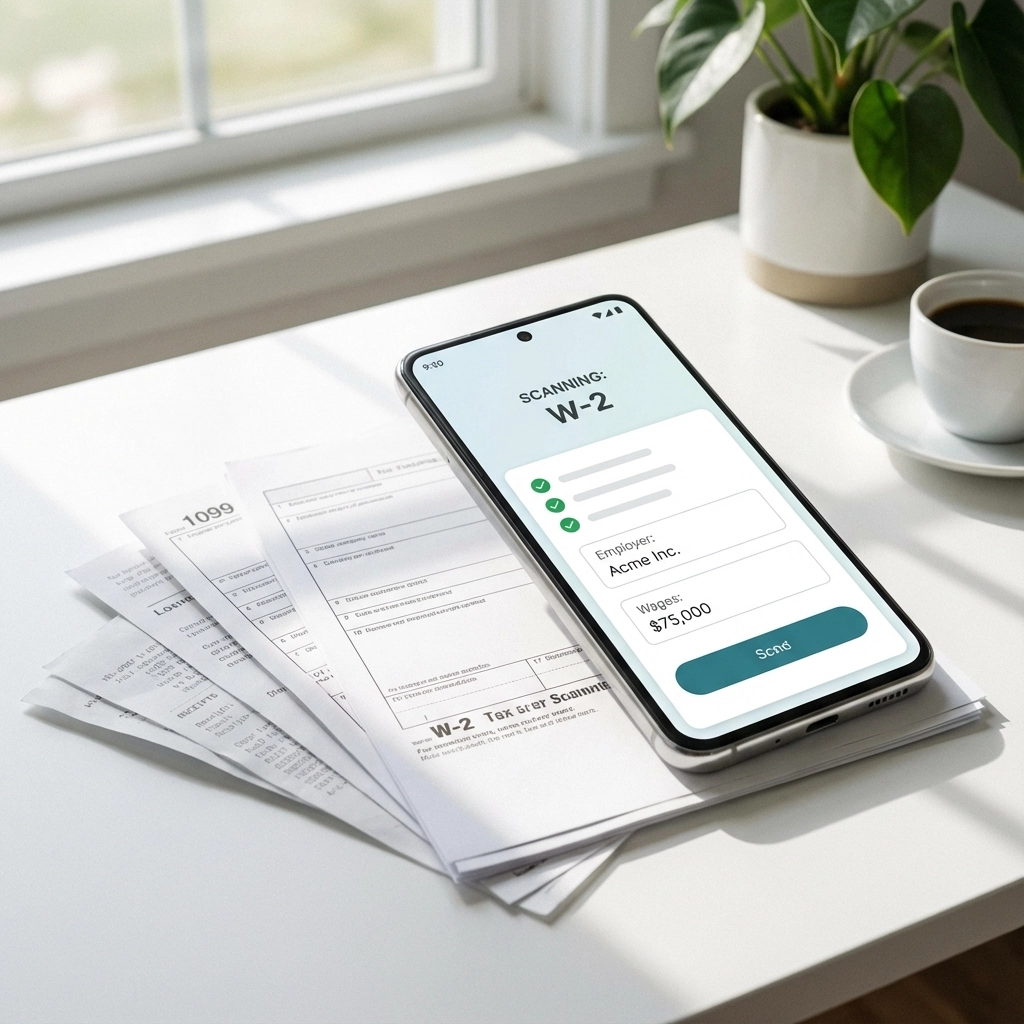
Tools like Receipt Bank, Dext, or even your phone's camera can capture and process documents instantly. Instead of spending hours typing, you're spending minutes reviewing what the software pulled out. The best part? These tools integrate directly with most accounting software, so the data flows right where it needs to go.
Pro tip: Start feeding documents into these systems throughout the year, not just at tax time. Your December self will thank you.
Hack #2: Automate Your 1099 Nightmare
If you're a business owner who sends out 1099s, you know the pain. Gathering vendor information, making sure you have current addresses, calculating amounts, printing forms, stuffing envelopes: it's enough to make you want to go back to bartering.
Modern 1099 platforms handle the entire process automatically. They pull data from your accounting software, validate tax ID numbers with the IRS, update vendor addresses, generate the forms, and even e-file them for you.
Platforms like Tax1099, Avalara's 1099 solutions, or 1099 Pro can process hundreds of forms at once and deliver them electronically to your vendors. No more printing, no more postage, no more wondering if they actually received them.
The time savings here are massive: we're talking about cutting weeks of work down to a few hours of setup and review.
Hack #3: Set Up a Document Collection Machine
Stop playing email tag with your accountant or chasing down missing receipts. Client portals and document management systems create a central hub where everything lives.
Think of it as a digital filing cabinet that's actually organized. Your receipts, bank statements, tax documents, and everything else your accountant needs can be automatically sorted and stored in the right folders. Many of these systems can even remind you when documents are missing or deadline are approaching.
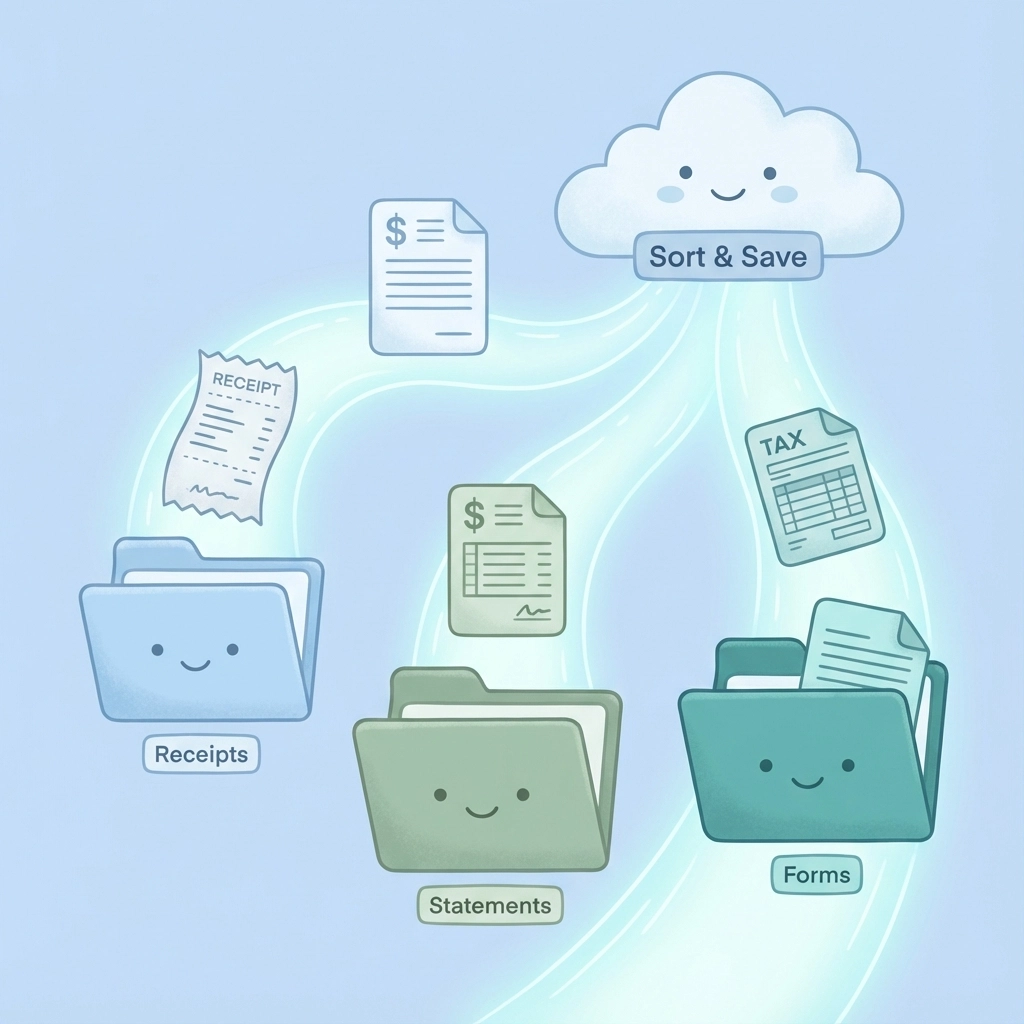
The beauty is that both you and your tax preparer can access everything in real-time. No more "Did you get my email with the receipts?" conversations. It's all there, organized, and ready to go.
Hack #4: Make Your Software Talk to Each Other
Here's where things get really slick. Instead of manually moving data between your bookkeeping software, expense tracking app, and tax preparation software, set up integrations that do it automatically.
Most modern accounting platforms like QuickBooks, Xero, or FreshBooks can connect directly to tax software. Your bookkeeper enters a transaction once, and it automatically shows up in all the right places for tax purposes.
This eliminates the classic problem of having slightly different numbers in different systems because someone forgot to update something somewhere. When everything talks to each other, your data stays consistent and accurate.
Real talk: This might require some upfront setup time, but the payoff during tax season is enormous.
Hack #5: Automate Your Engagement Letters and Organizers
If you work with a tax professional, you're probably familiar with the annual dance of engagement letters and tax organizers: those long forms asking about every possible deduction and life change from the past year.
Many tax professionals now use systems that automatically generate these documents based on your previous year's information. They pre-populate known information, highlight areas that need updates, and even send automatic reminders.
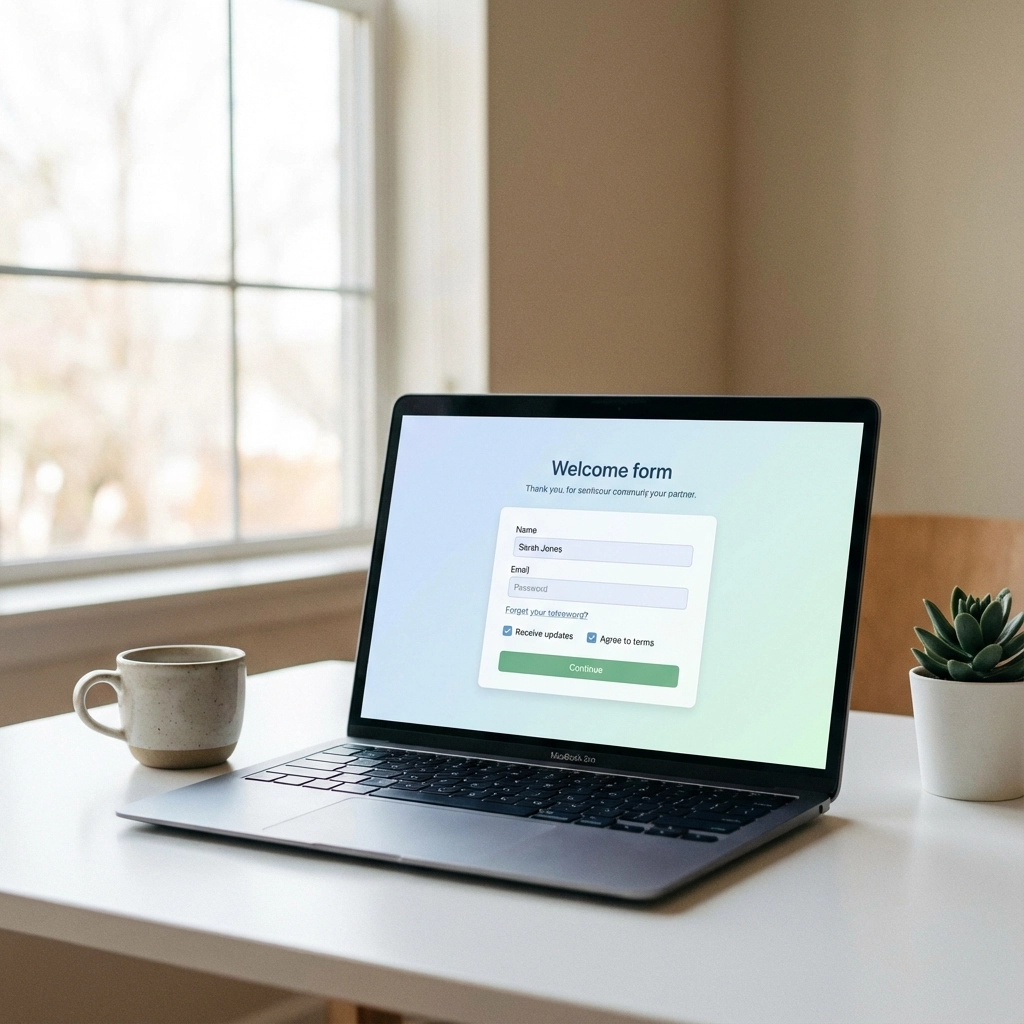
From your side, you can often complete these online with smart forms that only show relevant questions based on your answers. No more filling out sections about rental property income when you don't own any rental properties.
Hack #6: Let Your Tax Software Do the Heavy Lifting
Modern tax preparation software isn't just a fancy calculator anymore: it's becoming a workflow management system that can handle much of the prep work automatically.
These platforms can import data from multiple sources, automatically populate forms, run error checks, and even suggest deductions you might have missed. Some systems use AI to review your return and flag potential issues or opportunities.
The key is choosing software that integrates well with your existing financial tools. When everything connects, the software can pull data automatically instead of requiring manual entry for every single item.
Pro tip: If you're working with a tax professional, ask them what software they use and whether you can get a portal or client version. This makes collaboration much smoother.
Hack #7: Build Your Own Automation Workflow
Here's where you can get creative. Most businesses have unique processes and quirks that don't fit standard templates. That's where workflow automation tools come in.
Platforms like Zapier, Microsoft Power Automate, or specialized accounting workflow tools let you create custom automation without needing to be a programmer. You can set up automatic processes like:
Moving receipts from email attachments into your expense tracking app
Creating calendar reminders based on tax deadlines
Automatically backing up important documents to cloud storage
Sending monthly financial reports to your accountant
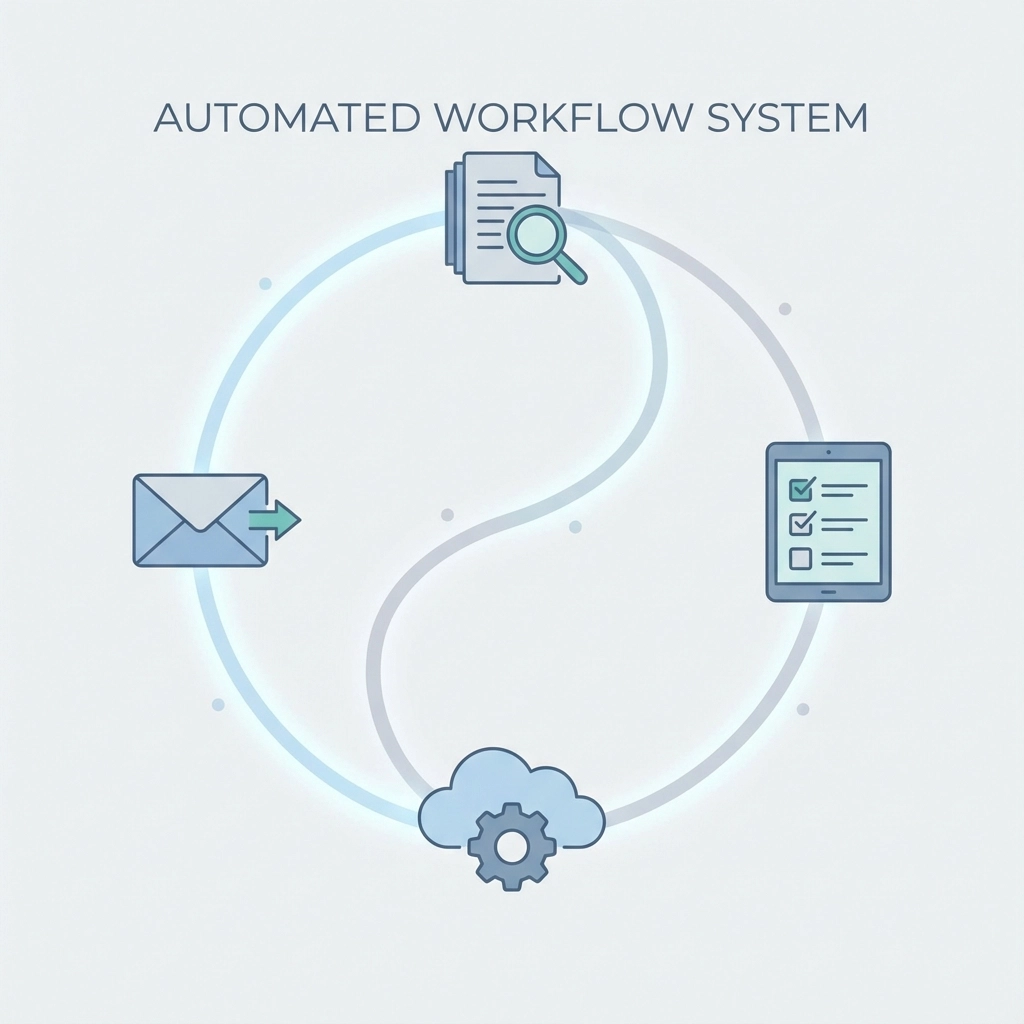
The possibilities are nearly endless, and you can start simple and build complexity over time as you get more comfortable with the tools.
Getting Started Without Overwhelming Yourself
I know this might seem like a lot, but you don't need to implement everything at once. Pick one area that causes you the most pain every year and start there.
For most business owners, I'd recommend starting with document capture and organization (#1 and #3). Getting your paperwork under control automatically throughout the year eliminates most of the last-minute scrambling.
If you send out 1099s, definitely prioritize automation there (#2): the time and stress savings are immediate and obvious.
The Bottom Line
Tax prep doesn't have to be the annual nightmare it's been in the past. With the right automation tools, you can eliminate most of the manual, repetitive work and focus on what actually matters: reviewing the big picture and making sure everything is accurate.
The best part? Once you set these systems up, they keep working year after year. You're not just saving time this tax season; you're investing in making every future tax season easier.
So stop putting this off. Pick one automation hack and implement it before the end of the year. Your future self (and possibly your accountant) will definitely thank you.
Remember, the goal isn't to eliminate human oversight: it's to eliminate human busy work so you can focus on the decisions and strategies that actually move your business forward.
Comments