.png)
Stop Wasting Time on Manual Bookkeeping: Try These 5 QuickBooks Mobile Hacks
Let's be real: manual bookkeeping is a time-sucking monster that keeps you chained to your desk when you could be out there growing your business. If you're still typing in receipts by hand, manually entering bank transactions, or waiting until you get back to the office to send an invoice, you're doing it the hard way.
The good news? Your smartphone can become your bookkeeping superhero. QuickBooks Mobile has some seriously powerful features that most business owners don't even know exist. These aren't just basic mobile access features: these are game-changing hacks that can literally cut your bookkeeping time in half.
Here are five mobile hacks that will transform how you handle your books and give you back hours of your week.
Hack #1: Turn Your Phone Into a Receipt-Eating Machine
Stop shoving receipts into your wallet like some kind of paper hoarder. QuickBooks Mobile has a receipt capture feature that's basically magic: and it's completely free.
Here's how it works: You snap a photo of any business receipt, and the app's optical character recognition technology reads the text, pulls out the important stuff (amount, date, vendor), and automatically creates the expense entry in your books. No typing, no guessing, no lost receipts.
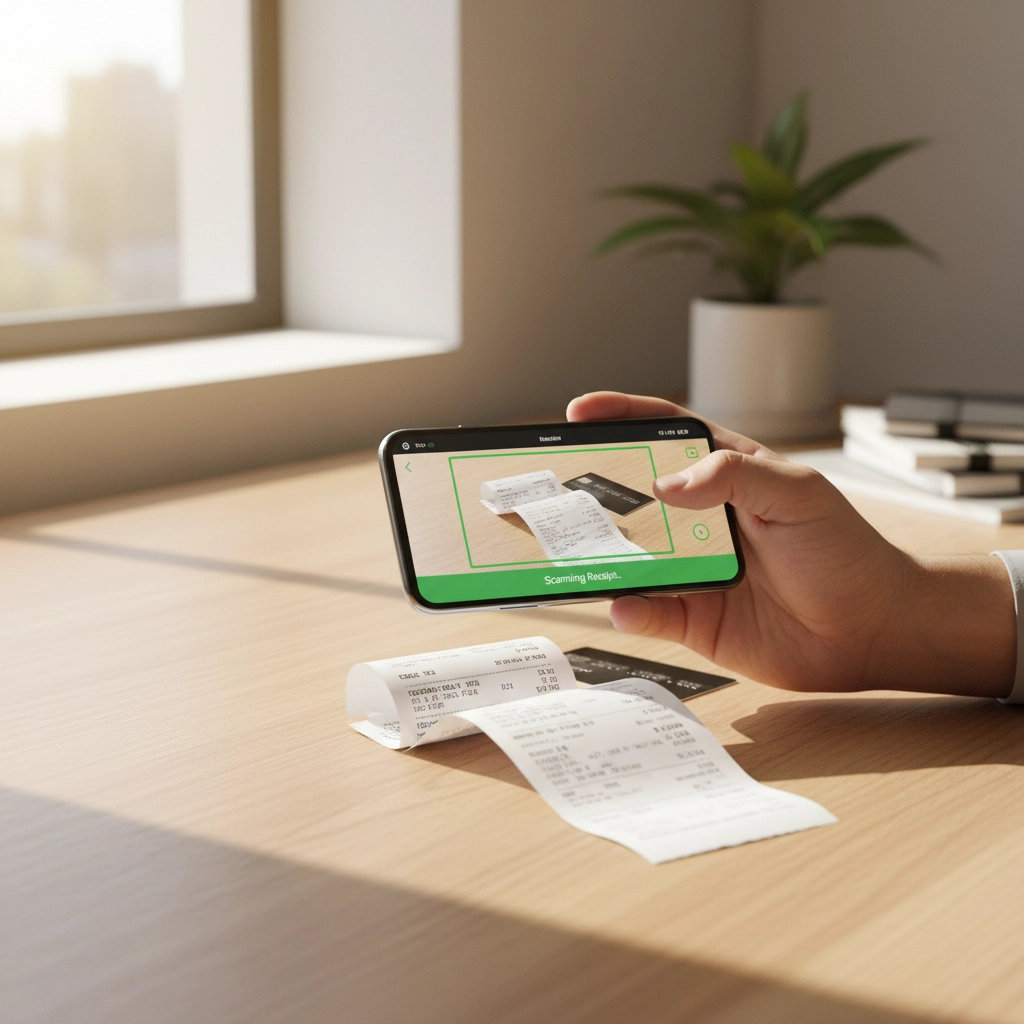
But here's the pro tip most people miss: Take the photo immediately after you get the receipt. Don't wait until later. Do it while you're still standing at the checkout counter. This eliminates that dreaded "receipt graveyard" in your car's console and ensures you never lose track of business expenses.
The app even lets you categorize expenses on the spot, so by the time you're back at your desk, your expense tracking is already done. We're talking about saving hours every month just from this one feature.
Hack #2: Access Your Real Numbers Anytime, Anywhere
Your financial data shouldn't be held hostage by your office desktop. The QuickBooks Mobile app gives you full access to your books from literally anywhere: and this is where smart business owners gain a huge advantage.
Need to check your cash flow before making a big purchase decision while you're at a vendor meeting? Pull up your dashboard in 30 seconds. Want to see if that big client payment came through while you're grabbing coffee? Check your bank feeds instantly.
This isn't just about convenience: it's about making informed decisions in real-time instead of flying blind when you're away from your office. How many times have you had to say "let me get back to you on that" because you didn't have your numbers handy? Those days are over.
The mobile reports are surprisingly detailed too. You can view profit and loss statements, cash flow reports, and even detailed customer payment histories right from your phone. This kind of instant access to your financial pulse can literally change how you run your business.
Hack #3: Invoice Like a Boss From Anywhere
Here's a scenario that happens to every business owner: You finish a job or deliver a service, the client is happy, and they're ready to pay. But your invoicing system is back at the office, so you tell them you'll "send an invoice soon." Then days pass, the momentum is lost, and getting paid becomes a hassle.
QuickBooks Mobile flips this script completely. You can create professional invoices, send them instantly, and even accept payments on the spot: all from your phone.
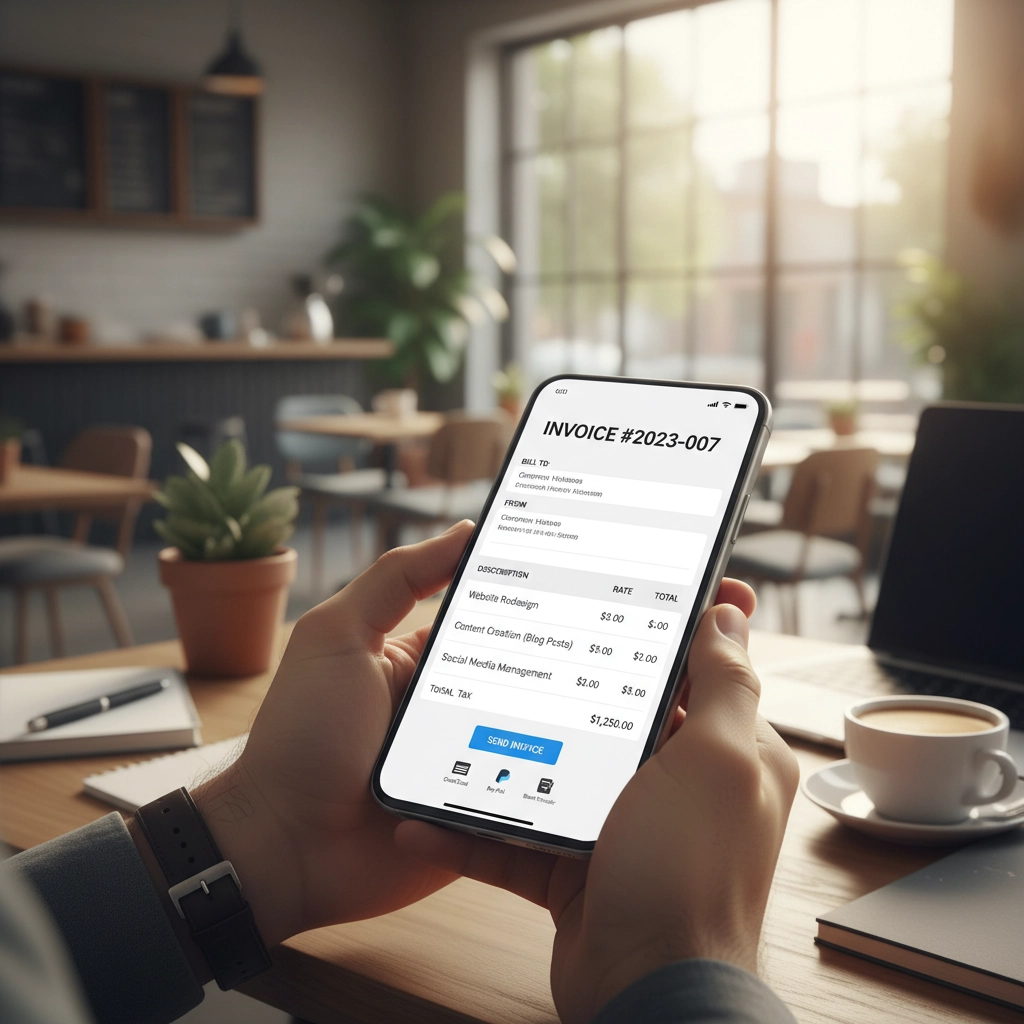
The mobile invoicing feature is surprisingly robust. You can add line items, apply taxes, include photos (great for contractors and service providers), and even set up recurring invoices for regular clients. The best part? Clients can pay immediately through the invoice using their credit card or bank transfer.
Think about the cash flow impact of this. Instead of waiting days or weeks for payment cycles, you can get paid while the client's satisfaction is at its peak. This single change can dramatically improve your cash flow and reduce those awkward "just following up on payment" conversations.
Hack #4: Let Bank Feeds Do the Heavy Lifting
Manual transaction entry is the bookkeeping equivalent of digging ditches with a spoon. Bank feeds are your excavator.
Setting up bank feeds through the mobile app means your transactions automatically download and get categorized without you touching anything. But here's where most people stop: they set it up and forget about it. The real hack is using the mobile app to quickly review and approve these transactions during downtime.
Waiting for your coffee order? Approve a few bank transactions. Standing in line at the post office? Categorize your recent expenses. Sitting in your car a few minutes early for an appointment? Clean up your transaction matching.
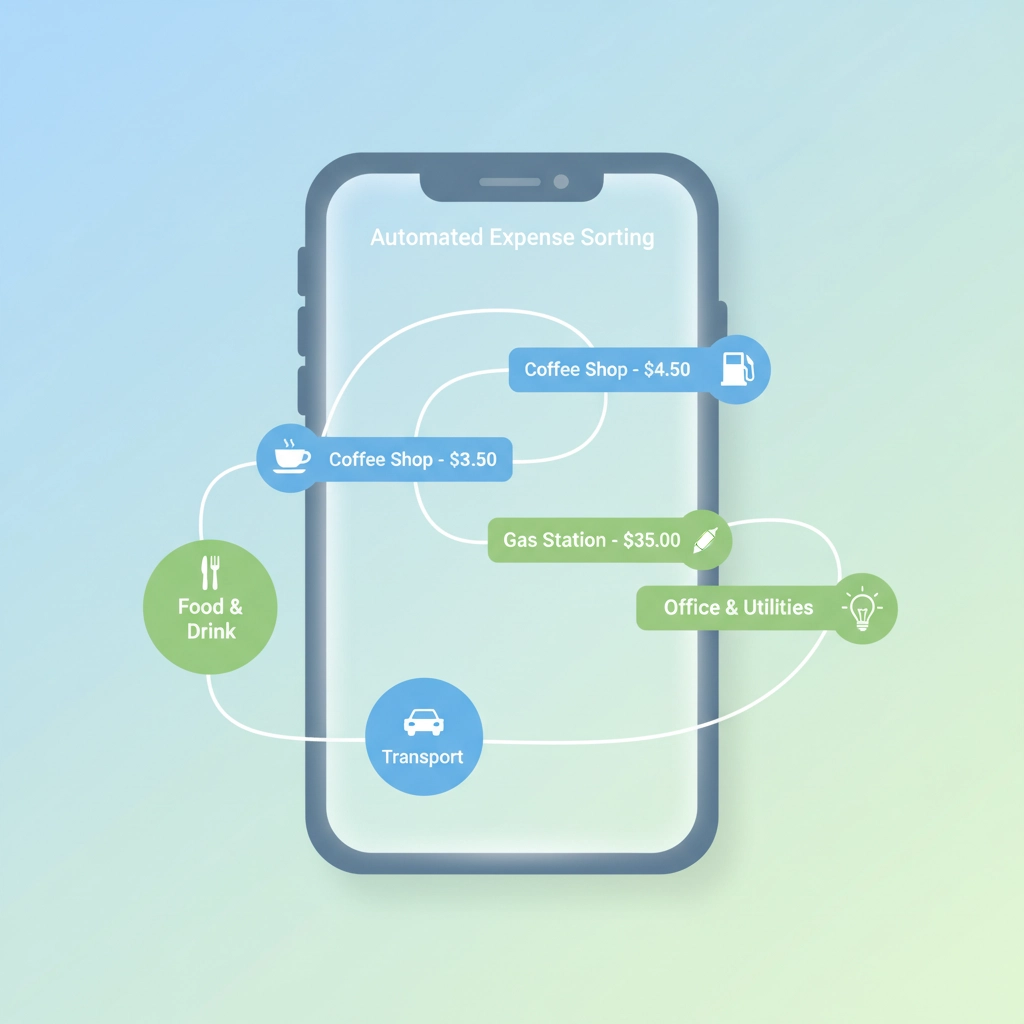
This micro-tasking approach means your books stay current without ever having to schedule dedicated "bookkeeping time." The mobile interface makes it easy to swipe through transactions quickly, and you can handle most routine categorization in just a few taps.
The error reduction is huge too. When transactions are fresh in your mind, you're much more likely to categorize them correctly than when you're trying to remember what that $47.83 charge from three weeks ago was for.
Hack #5: Set Up Recurring Transactions and Forget About Them
If you're manually entering the same expenses every month: rent, insurance, subscription services, loan payments: you're wasting precious time on robot work.
Recurring transactions in QuickBooks Mobile are like having a bookkeeping assistant who never sleeps, never forgets, and never asks for a raise. Set them up once, and they automatically create the correct entries on schedule.
But here's the advanced move: Use the mobile app to review and adjust these recurring transactions regularly. Business expenses change, contracts get updated, and services get cancelled. A quick monthly review of your recurring transactions through the mobile app ensures they stay accurate and relevant.
The mobile interface makes it incredibly easy to temporarily skip a recurring transaction, modify amounts, or update categories without disrupting the overall automation. This flexibility means you get the time savings of automation with the accuracy of manual oversight.
The Real Impact: Getting Your Life Back
These five hacks aren't just about making bookkeeping easier: they're about fundamentally changing your relationship with your business finances. When you can handle financial tasks seamlessly throughout your day instead of in dedicated "bookkeeping blocks," you free up significant chunks of time for actual business growth activities.
The compound effect is remarkable. Receipt capture saves you hours of data entry. Real-time access improves your decision-making speed. Mobile invoicing accelerates your cash flow. Automated bank feeds eliminate transaction entry. Recurring transactions handle your regular expenses automatically.
Add it all up, and you're looking at reclaiming 10-15 hours per month that you can invest in marketing, customer service, or actually taking a weekend off.
Making the Switch
The biggest barrier to implementing these hacks isn't technical: it's habitual. You're used to doing things a certain way, and change feels uncomfortable. But think about this: every minute you spend on manual bookkeeping is a minute you're not spending on activities that actually grow your business.
Start with one hack. Pick the one that addresses your biggest pain point: maybe it's receipt management if you're constantly losing expense documentation, or mobile invoicing if slow billing cycles are hurting your cash flow.
Once you see the time savings from one hack, you'll be motivated to implement the others. Within a month, you'll wonder how you ever managed your books any other way.
Your smartphone is already in your pocket. Your QuickBooks subscription already includes mobile access. The only question is whether you'll keep doing bookkeeping the hard way or finally embrace the tools that can set you free.
The choice is yours: but your future self will thank you for making the smart one.
Comments