.png)
Stop Wasting Time on Manual Financial Tasks: Try These 5 Automation Hacks for Small Businesses
Let me ask you something: How many hours did you spend last week on financial paperwork? Entering bank transactions, chasing invoices, categorizing expenses, or trying to make sense of your cash flow? If you're like most small business owners I work with, it's probably way more than you'd like to admit.
Here's the thing – you didn't start your business to become a part-time bookkeeper. You started it because you're passionate about what you do, and every minute you spend on manual financial tasks is a minute you're not growing your business.
The good news? You don't have to keep living this way. Modern automation tools can handle most of these repetitive tasks for you, and the results are impressive. Companies that implement workflow automation see a 32% reduction in human error and 15-20% cost reduction in their automated processes. Plus, digital document processing can reduce handling time by 30-50%.
Ready to get those hours back? Let's dive into five automation hacks that will transform how you handle your finances.
Hack #1: Connect Your Bank Accounts to Your Accounting Software
This is the foundation of financial automation, and honestly, if you only do one thing from this list, make it this one. When you connect your business bank accounts directly to your accounting software like QuickBooks, transactions automatically flow into your books without any manual entry on your part.
Think of it as having a tireless assistant that never takes a coffee break. Every time money comes in or goes out of your account, the transaction gets pulled into your accounting system automatically. The software can even categorize most transactions based on patterns it learns from your past entries.

No more squinting at bank statements. No more typing in transaction amounts. No more wondering if you missed something. The integration handles it all, saving you hours every week while dramatically reducing the chance of data entry errors.
Setting this up is usually pretty straightforward. Most accounting platforms have built-in bank feeds that connect to thousands of financial institutions. You'll typically just need to provide your online banking credentials, and the software does the rest.
Hack #2: Automate Your Invoicing and Payment Tracking
If you're still creating invoices manually and then tracking payments on spreadsheets, you're doing way too much work. Automated invoicing systems can handle this entire process for you.
Here's how it works: You set up invoice templates with your standard terms, and the system generates and sends invoices automatically based on your schedule. Need to bill monthly clients? It happens automatically on the same day each month. Project-based billing? Invoices go out as soon as you mark milestones complete.
But the real game-changer is automated payment tracking. The system monitors which invoices have been paid and which are overdue, then sends friendly reminders to clients automatically. No more awkward phone calls or wondering why your cash flow is tight – you'll know exactly where you stand at all times.

I've seen small business owners improve their cash flow by weeks just by implementing automated payment reminders. When clients get consistent, professional follow-ups, they pay faster. It's that simple.
Tools like QuickBooks, Xero, and FreshBooks make this incredibly user-friendly. You can usually set up the whole system in an afternoon, and it runs itself from there.
Hack #3: Implement Receipt Scanning and Expense Categorization
Let's be honest – expense tracking is probably the most tedious part of small business finances. Receipts pile up, categories get mixed up, and important deductions get missed. But here's where automation really shines.
Modern expense management software can automatically categorize and approve expenses based on rules you set up. Even better, most systems now include receipt scanning that extracts all the important data automatically using just your phone's camera.
Here's my favorite part: these systems can often categorize expenses with about 65% accuracy right out of the box. That means the majority of your expense tracking happens without any input from you. For the transactions it can't categorize automatically, it learns from your corrections and gets better over time.
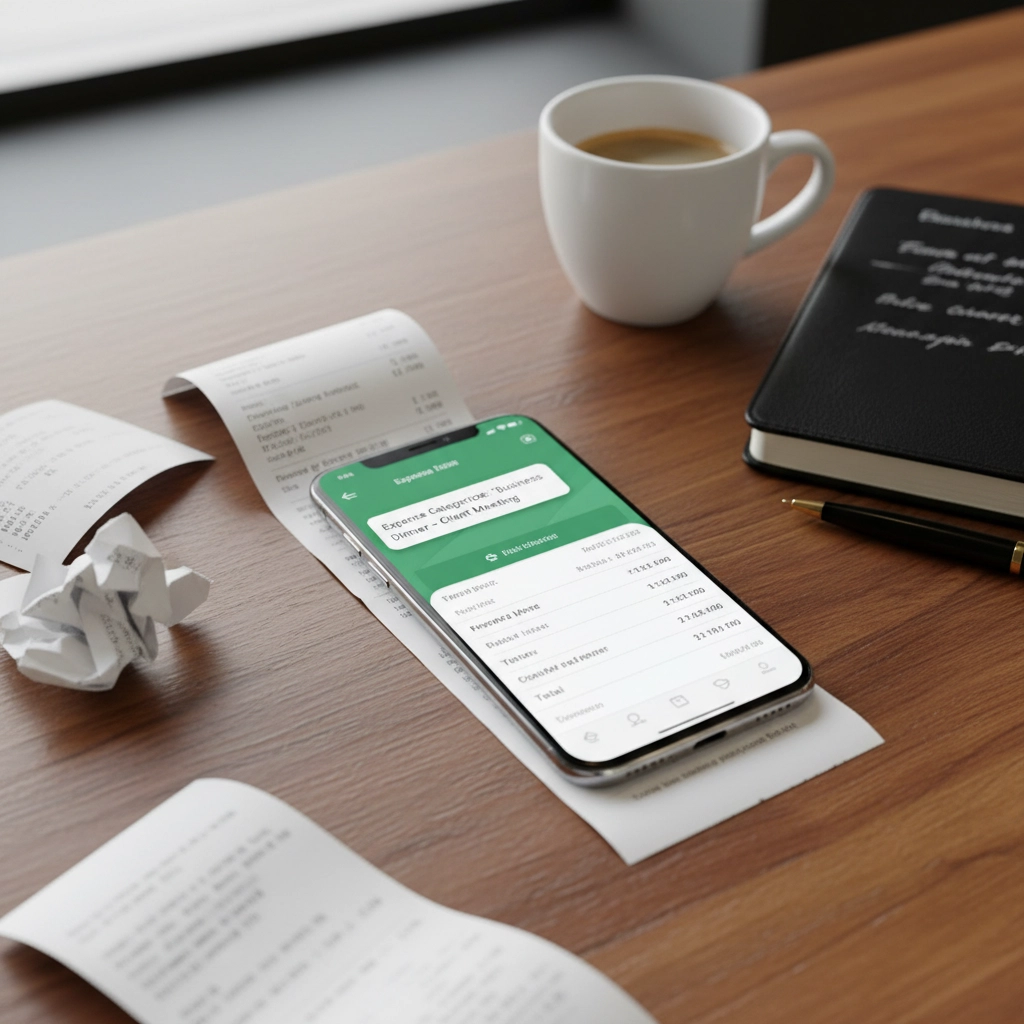
Tools like Expensify integrate seamlessly with your accounting software, so approved expenses flow directly into your books. No more shoebox full of receipts, no more manual data entry, and no more missed deductions at tax time.
The time savings here are substantial. What used to take hours of sorting and entering can now happen in minutes while you're grabbing coffee.
Hack #4: Set Up Automated Financial Reporting
Financial reports are crucial for understanding your business's health, but creating them manually is time-consuming and error-prone. Automated reporting changes this completely.
With proper automation, detailed financial reports like profit and loss statements, cash flow analyses, and budget comparisons generate automatically. You can schedule them to run monthly, weekly, or even daily, and they'll appear in your inbox without any effort from you.
The real power here isn't just the time savings – it's having access to current financial data whenever you need it. Instead of waiting weeks to understand how your business performed last month, you can see real-time insights that help you make better decisions immediately.
Most accounting platforms offer customizable report templates that you can tailor to your specific needs. Want to track particular expense categories? No problem. Need to see profit margins by product line? Easy to set up.

For businesses that need regular financial reporting for investors or lenders, this automation is a lifesaver. Reports stay consistent, deadlines never get missed, and the data is always accurate because it pulls directly from your automated bookkeeping.
Hack #5: Enable Budget Monitoring and Alerts
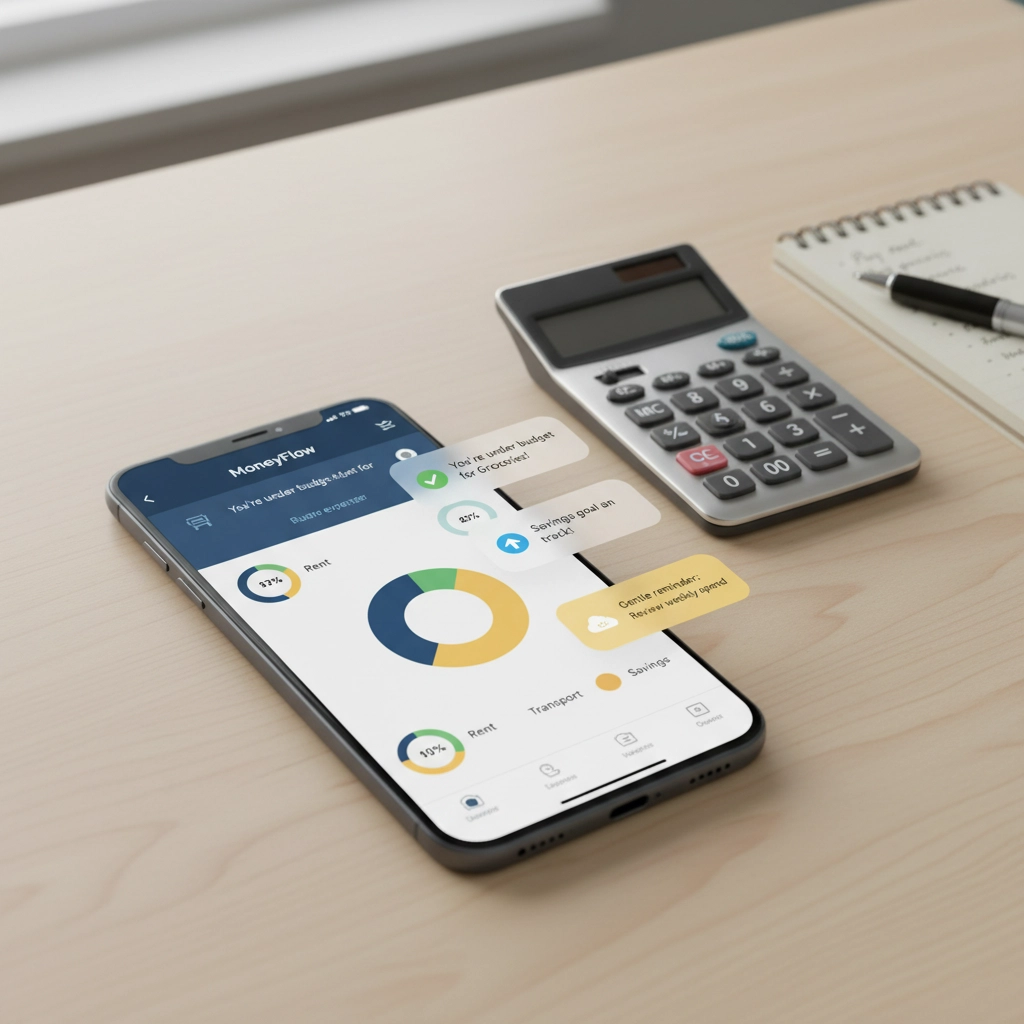
Staying on top of your budget shouldn't require constant vigilance. Budget monitoring automation tracks your expenses against your budget in real-time and sends alerts when you're approaching or exceeding limits.
This proactive approach prevents overspending before it becomes a problem. Instead of discovering budget overruns at the end of the month, you get warnings when you still have time to adjust your spending.
The alerts can be as detailed as you want. Maybe you want to know when any category hits 80% of budget, or perhaps you only care about alerts when you're about to exceed major expense categories. The system adapts to your preferences and management style.
Budget monitoring also helps with cash flow planning. When you can see spending patterns and budget performance in real-time, it becomes much easier to predict cash needs and plan for seasonal fluctuations.
Making It Work for Your Business
The key to successful financial automation isn't implementing every tool at once – it's starting with the areas that will give you the biggest time savings and building from there.
If you're just getting started with automation, I recommend beginning with bank account integration and automated invoicing. These two changes alone will probably save you several hours per week and provide immediate improvements to your cash flow management.
Once those systems are running smoothly, add expense tracking automation, then reporting, and finally budget monitoring. This staged approach prevents overwhelm and ensures each system is working properly before you add the next layer.
Remember, the goal isn't just to save time – it's to get better financial visibility and control over your business. When your financial systems run automatically in the background, you can focus on what you do best: growing your business and serving your customers.
The companies that embrace financial automation consistently outperform those stuck in manual processes. They have better cash flow, more accurate records, and most importantly, more time to focus on revenue-generating activities.
If you're ready to explore how automation can transform your specific situation, I'd love to help you create a customized plan. Check out our consulting services or QuickBooks training programs to get started.
Stop wasting time on tasks a computer can handle. Your business – and your sanity – will thank you for it.
Comments