.png)
The Simple Trick to Train Your Team on QuickBooks Right Now (No Accounting Experience Required)
Let's face it – most small business owners didn't start their company because they loved accounting. And chances are, your team didn't either. But here's the thing: someone needs to handle the books, and hiring a full-time accountant isn't always in the budget.
The good news? You don't need an accounting degree to get your team up and running on QuickBooks. There's actually a simple trick that successful business owners use to train their teams quickly and effectively, even when no one has accounting experience.
The Secret: Start with Play Money
The most effective approach to training your team on QuickBooks is combining hands-on practice with beginner-friendly resources in a completely safe environment. The key is using QuickBooks' sample company feature alongside tutorials designed specifically for people who "hate accounting."
Think of it like learning to drive – you wouldn't hand someone the keys to your brand new car on day one. Instead, you'd start in an empty parking lot with an older vehicle. QuickBooks works the same way.
Set Up Your Risk-Free Training Ground
QuickBooks offers sample company files that let your team practice without touching your real financial data. This eliminates the biggest fear most people have when learning new software – the terror of breaking something important.
Here's how to set this up:
Open QuickBooks and select "Sample Company" instead of your actual business file
Choose a sample that matches your industry (retail, service, contractor, etc.)
Let each team member explore freely – they literally cannot mess anything up
This practice environment is like a flight simulator for bookkeeping. Your team can click every button, try every feature, and make all the mistakes they need to make without any real-world consequences.

Leverage the Power of "Show Me, Don't Tell Me" Learning
Once your team has their practice environment ready, it's time to introduce them to the goldmine of free QuickBooks tutorials available on YouTube. These aren't your typical dry accounting lectures – they're designed for real people running real businesses.
The best tutorials break down complex accounting concepts into simple, practical steps. Look for videos that cover:
Setting up a company file from scratch
Connecting your bank account and downloading transactions
Categorizing expenses and income (this is where most people get stuck)
Creating and sending professional invoices
Entering bills and tracking what you owe
Running basic reports that actually make sense
The visual, step-by-step format makes it easy for anyone to follow along. Your team can pause, rewind, and replay sections until they get it right.
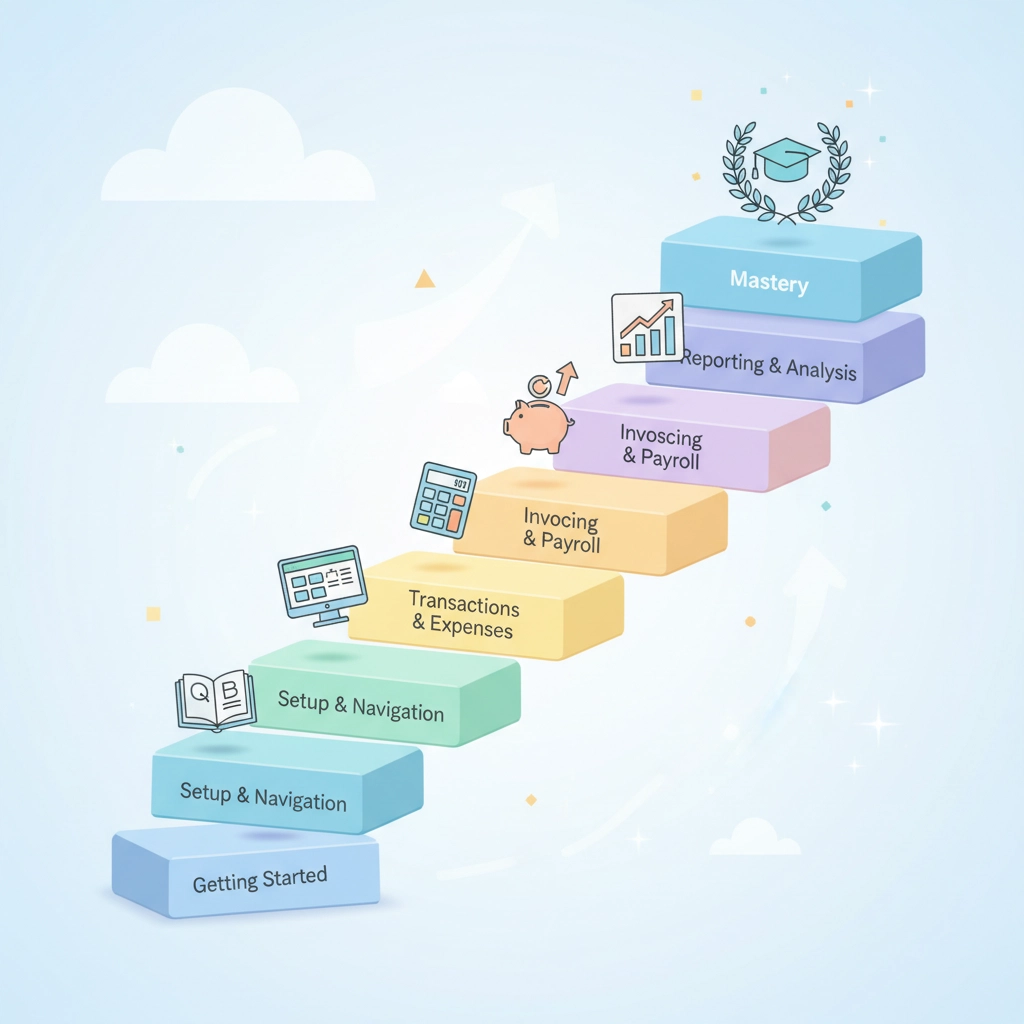
The 3-Phase Learning System That Actually Works
Instead of overwhelming your team with everything QuickBooks can do (spoiler alert: it's a lot), focus on a structured approach that builds confidence gradually.
Phase 1: The Foundation (Days 1-2) Start with the basics everyone needs to know. This includes navigating the interface, understanding how transactions flow through the system, and getting comfortable with the practice environment. The goal here isn't perfection – it's familiarity.
Phase 2: Core Daily Tasks (Days 3-5) Focus on the activities your team will do most often. This typically includes categorizing bank transactions, creating invoices, entering bills, and basic record-keeping. These skills cover about 80% of what most small businesses need from QuickBooks.
Phase 3: Reporting and Analysis (Days 6-7) Once your team is comfortable with data entry, introduce them to the reports that matter. Start with simple ones like Profit & Loss statements and Balance Sheets, but explain them in plain English. Most people don't need to understand debits and credits – they just need to know if the business is making money.
When DIY Training Isn't Enough
Sometimes your team needs more structure than YouTube videos and practice accounts can provide. If you have multiple team members to train or complex business needs, consider professional training options.
Live QuickBooks classes offer comprehensive coverage in just two days. These classes are designed for complete beginners and don't require any accounting background. The curriculum covers everything from basic navigation to advanced features like inventory tracking and sales tax management.
The advantage of formal training is the expert instruction and ability to ask questions specific to your business situation. Plus, your team gets to interact with other small business owners facing similar challenges.
Self-paced online courses offer the same comprehensive content with the flexibility to learn on your team's schedule. This works particularly well for teams in different locations or with varying availability.
Create Your Safety Net
After initial training, the most successful businesses implement an ongoing support system. This doesn't mean hiring an expensive consultant – it means having resources available when questions come up.
Consider setting up access to QuickBooks specialists who can provide one-on-one help with real problems in your actual books. This hands-on support allows your team to solve issues immediately rather than waiting days for generic tech support responses.
Having this safety net increases confidence dramatically. Your team knows they're not alone if they run into something confusing, which makes them more likely to actually use what they've learned.

Build Your Internal Knowledge Base
As your team learns, have them document the processes specific to your business. This creates a custom reference guide that future team members can use, making ongoing training even simpler.
Focus on the transactions and reports your business uses most frequently rather than trying to master every QuickBooks feature. For example:
How to handle your specific types of income
Common expense categories for your industry
Which reports you review weekly, monthly, and yearly
Step-by-step processes for your most common transactions
This documentation becomes incredibly valuable as your business grows and new team members join.
The Reality Check: Timeline and Expectations
Here's what you can realistically expect: most team members achieve basic proficiency within their first week of regular use. They'll be comfortable with daily tasks like categorizing transactions and creating invoices.
Advanced skills like customizing reports or handling complex inventory scenarios take longer to develop, but most small businesses don't need these features immediately.
The key is starting with what matters most to your business and building from there. A team member who can accurately categorize expenses and create invoices is infinitely more valuable than someone who's paralyzed by trying to learn everything at once.
Making It Stick
Training isn't a one-time event – it's an ongoing process. Schedule regular check-ins with your team to address questions and review processes. As your business evolves, your QuickBooks usage will too, and your team's skills need to keep pace.
Consider assigning a "QuickBooks champion" within your team – someone who takes ownership of staying current with new features and helping other team members. This person doesn't need to be an accounting expert, just someone who's comfortable with the software and enjoys helping others.
The simple trick to training your team on QuickBooks really comes down to removing fear and building confidence through practice. When your team knows they can't break anything and has access to clear, practical guidance, they'll surprise you with how quickly they pick it up.
Remember, you don't need accounting experts – you need people who can accurately record what happened in your business. QuickBooks handles the complex accounting calculations behind the scenes. Your job is simply getting the right information in the right places, and with proper training, any motivated team member can do that successfully.
Comments